
Table of Contents
A website barcode generator allows you to convert any webpage URL into a professional, scannable barcode that connects physical materials to digital destinations. Whether you want to link product packaging to a landing page, turn brochures into measurable traffic channels, or integrate offline marketing with analytics, website-based barcodes make it possible.
But generating a barcode is only the beginning.
To create professional, business-grade barcodes for your website, you need to understand dynamic functionality, tracking capabilities, branding options, scalability, and security. This guide explains everything — from technical fundamentals to ROI optimization.
What Is a Website Barcode Generator?
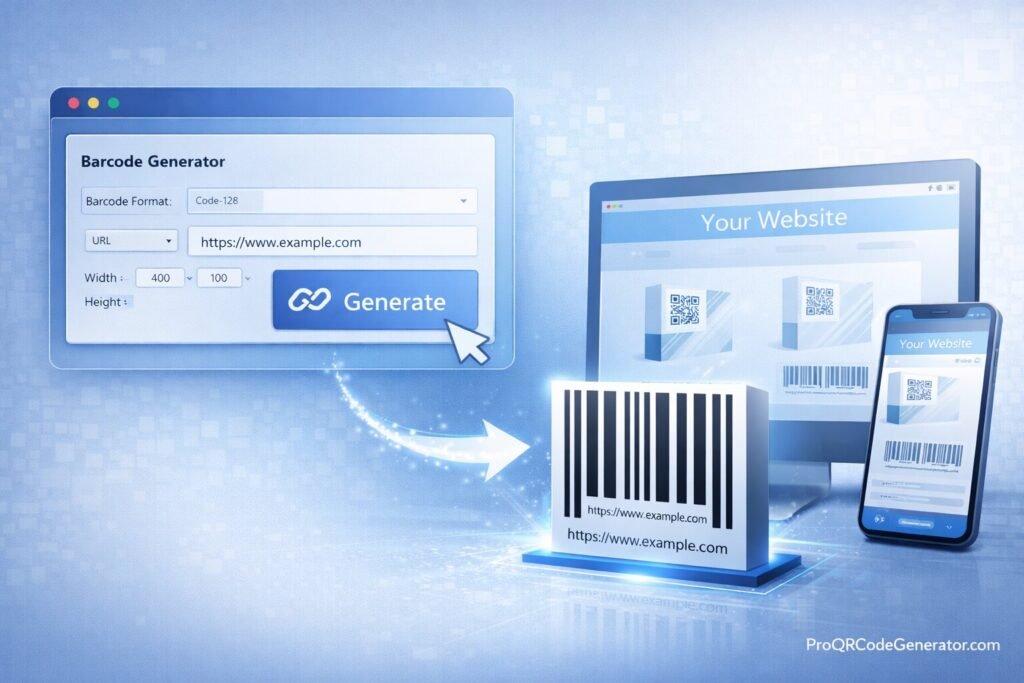
A website barcode generator is an online tool that encodes a website URL into a scannable barcode format. When scanned by a compatible device, the barcode redirects users to the specified webpage.
Basic tools simply convert a link into a static barcode image. Advanced platforms provide:
- Dynamic editing
- Scan analytics
- Branding customization
- Bulk generation
- Cloud-based management
- Unlimited scans
For businesses, these advanced features turn barcodes into measurable digital assets rather than static images.
Static vs Dynamic Website Barcodes
Understanding the difference is critical.
| Feature | Static Website Barcode | Dynamic Website Barcode |
|---|---|---|
| Editable After Printing | No | Yes |
| Scan Tracking | No | Yes |
| URL Change Without Reprint | No | Yes |
| Analytics Dashboard | No | Yes |
| Campaign Optimization | No | Yes |
Static barcodes permanently encode your URL.
Dynamic barcodes use a redirect system, allowing you to:
- Update the destination URL anytime
- Track performance
- Optimize campaigns without reprinting materials
For marketing and scalable operations, dynamic capability is typically essential.
How a Website Barcode Generator Works
Step 1: URL Encoding
When you enter your website into a website barcode generator, the system encodes the URL into a barcode symbology. Common formats include:
- Code 128 (supports alphanumeric data)
- Code 39
- EAN-based formats (less suitable for long URLs)
Code 128 is widely used for encoding website links because it handles complex characters efficiently.
Step 2: Rendering the Barcode
The encoded data is converted into a scannable image file such as:
- PNG
- SVG (vector)
- EPS
Vector formats are recommended for professional printing and packaging.
Step 3: Dynamic Redirect Infrastructure (Advanced Platforms)
In a professional setup:
- The barcode contains a short redirect link.
- The redirect link is hosted on a secure cloud server.
- The server logs scan data and redirects users to your website.
This architecture enables analytics, editing, and scalability.
For example, platforms like ProQRCodeGenerator.com implement dynamic redirect systems that allow businesses to edit URLs and track scan performance from a centralized dashboard.
Benefits of Using a Website Barcode Generator
1. Offline-to-Online Integration
A website barcode generator transforms physical materials into digital traffic drivers:
- Business cards → Portfolio page
- Product packaging → Product tutorials
- Flyers → Event registration
- Catalogs → eCommerce store
This creates a measurable bridge between print and digital engagement.
2. Campaign Tracking & Attribution
With dynamic barcodes, you can measure:
- Total scans
- Unique users
- Location-based engagement
- Device types
- Time-based scan trends
This allows for precise marketing attribution.
3. Editable & Scalable
If your landing page changes:
- No need to reprint materials
- Simply update the URL in your dashboard
- Continue using the same barcode
For high-volume campaigns, this flexibility reduces operational costs significantly.
4. Brand Consistency
Professional website barcode generators allow:
- Custom color schemes
- Logo embedding
- Brand-aligned styling
- High-resolution export
This ensures your barcode complements your brand identity.
Business & Industry Use Cases
Retail & eCommerce
Retailers use website barcodes to:
- Link packaging to online reviews
- Drive repeat purchases
- Promote loyalty programs
- Launch limited-time offers
Dynamic editing allows seasonal promotions without packaging redesign.
Events & Conferences
Applications include:
- Linking printed badges to digital profiles
- Driving traffic from posters to registration pages
- Tracking which marketing channel performed best
Logistics & Supply Chain
Companies connect shipments to:
- Online tracking portals
- Digital invoices
- Documentation archives
This enhances supply chain transparency.
Corporate & Education
Use cases include:
- Linking printed manuals to updated resources
- Connecting employee materials to internal portals
- Sharing secure document access
Step-by-Step Guide: Creating Professional Barcodes for Your Website
Step 1: Prepare Your URL
Ensure:
- HTTPS is enabled
- Page is mobile-optimized
- Page loads quickly
- Tracking pixels are installed
Step 2: Choose the Right Website Barcode Generator
Look for:
- Dynamic editing
- Analytics dashboard
- Bulk generation
- Secure hosting
- Unlimited scans
Step 3: Select Barcode Format
For website URLs:
- Code 128 is generally preferred for traditional barcode systems.
- QR codes are better for smartphone-first marketing.
Professional platforms often provide both.
Step 4: Customize Design
Optimize:
- High contrast (black on white recommended)
- Adequate quiet zones
- Brand-consistent styling
- Logo placement (if supported)
Step 5: Test Before Deployment
Test across:
- Industrial scanners
- Multiple smartphone models
- Different lighting conditions
- Printed samples
Testing prevents costly reprints.
Step 6: Monitor & Optimize
After deployment:
- Monitor scan data
- Adjust landing page messaging
- Improve conversion funnels
Solutions such as ProQRCodeGenerator.com provide analytics dashboards to support ongoing optimization.
Barcode vs QR Code for Websites
Although both can encode URLs, they serve different contexts.
| Feature | Traditional Barcode | QR Code |
|---|---|---|
| Data Capacity | Limited | High |
| Smartphone Native Support | Limited | Universal |
| Industrial Scanner Support | Strong | Moderate |
| Branding Flexibility | Moderate | High |
| Marketing Tracking | Dynamic Only | Dynamic Only |
For logistics and retail systems, traditional barcodes remain essential.
For marketing campaigns, QR codes are often preferred due to scanning convenience.
A professional website barcode generator may support both within the same platform.
Analytics & ROI Breakdown
Metrics That Matter
When using a dynamic website barcode generator, track:
- Total scans
- Unique scans
- Geographic distribution
- Device segmentation
- Conversion rate
- Time-of-day engagement
Example ROI Scenario
Campaign performance:
- 8,000 brochures distributed
- 1,600 scans recorded
- 320 conversions
- $30 average profit per conversion
Revenue attributed: $9,600
If subscription cost is $29/month, ROI is substantial.
Without tracking, this data would remain invisible.
Common Mistakes to Avoid
- Using static barcodes for marketing campaigns
- Printing low-resolution images
- Ignoring quiet zone spacing
- Linking to slow-loading pages
- Failing to test across devices
- Choosing a tool without analytics
A professional website barcode generator mitigates these risks.
Security & Compliance Considerations
When selecting a platform, ensure:
- HTTPS redirects
- Encrypted data transmission
- Secure hosting infrastructure
- GDPR-compliant tracking
- Reliable uptime
Enterprise-grade platforms implement secure redirect layers to prevent downtime or tampering.
Frequently Asked Questions
How do I create a barcode for my website?
Paste your URL into a website barcode generator, select format, customize, generate, and download.
Can I edit the link later?
Yes, if you use a dynamic barcode solution.
Is it free?
Basic tools are free, but professional solutions provide analytics and scalability.
Can I track scans?
Yes, dynamic website barcodes include tracking dashboards.
Does it work on smartphones?
Traditional barcodes require barcode scanner apps. QR codes are more universally supported by smartphones.
Can I generate multiple website barcodes at once?
Professional platforms offer bulk generation via CSV or API.
Are scans unlimited?
Most paid SaaS platforms provide unlimited scanning.
Conclusion – Choosing the Right Website Barcode Generator
A website barcode generator is more than a utility tool. When implemented correctly, it becomes a strategic asset that connects offline materials to measurable digital performance.
For occasional use, a static generator may suffice.
But for businesses that require:
- Campaign tracking
- Editable URLs
- Brand customization
- Enterprise reliability
- Performance analytics
A professional platform is the logical choice.
Modern SaaS solutions such as ProQRCodeGenerator.com demonstrate how dynamic editing, unlimited scans, branding options, and centralized analytics dashboards can transform website barcodes into scalable business infrastructure.
In competitive markets, visibility and measurability matter. The right website barcode generator ensures your printed materials don’t just look professional — they perform professionally.

