
Table of Contents
A QR code generator with logo allows businesses to create branded, visually distinctive QR codes by embedding a logo or custom design directly inside the code. Instead of using generic black-and-white squares, companies can align QR codes with their brand identity while maintaining full scan reliability.
But adding a logo to a QR code isn’t just about design.
You must understand error correction levels, scan performance, color contrast, print quality, dynamic vs static functionality, and analytics tracking. Done correctly, branded QR codes become powerful marketing and operational tools. Done incorrectly, they fail to scan.
This guide covers everything you need to know.
What Is a QR Code Generator with Logo?
A QR code generator with logo is an online tool that allows you to:
- Embed a brand logo inside a QR code
- Customize colors and shapes
- Generate high-resolution export files
- Create static or dynamic QR codes
- Track scans (in advanced platforms)
Unlike basic QR generators, professional solutions preserve scan reliability while enabling full customization.
Static vs Dynamic Branded QR Codes
| Feature | Static QR Code | Dynamic QR Code |
|---|---|---|
| Editable After Printing | No | Yes |
| Scan Analytics | No | Yes |
| URL Updates | No | Yes |
| Campaign Tracking | No | Yes |
| A/B Testing | No | Yes |
Static QR codes permanently encode data.
Dynamic QR codes use a redirect layer, allowing you to:
- Change destination URLs anytime
- Monitor performance
- Optimize campaigns
For business applications, dynamic functionality is often essential.
How QR Codes Support Logo Embedding
QR codes can safely contain logos because of built-in redundancy.
Error Correction Levels Explained
QR codes have four error correction levels:
| Level | Recovery Capacity | Recommended Use |
|---|---|---|
| L | ~7% | Minimal redundancy |
| M | ~15% | Standard use |
| Q | ~25% | Logo embedding |
| H | ~30% | Large logo placement |
Higher error correction means more data redundancy.
When you embed a logo inside a QR code, you partially obscure some modules. The error correction layer compensates for that damage.
For logo embedding, Level Q or H is recommended.
Data Capacity & Design Balance
Higher error correction reduces available data capacity.
This means:
- Long URLs increase code density
- Dense QR codes reduce scan reliability
- Shortened URLs are preferable
Professional platforms optimize this balance automatically.
Step-by-Step Guide: Creating a QR Code with Logo
Step 1: Choose Static or Dynamic
If you need:
- Editability
- Analytics tracking
- Campaign optimization
Choose dynamic.
If the code is permanent and internal, static may suffice.
Step 2: Enter Your Data
Common data types include:
- Website URL
- Landing page
- WiFi credentials
- vCard contact info
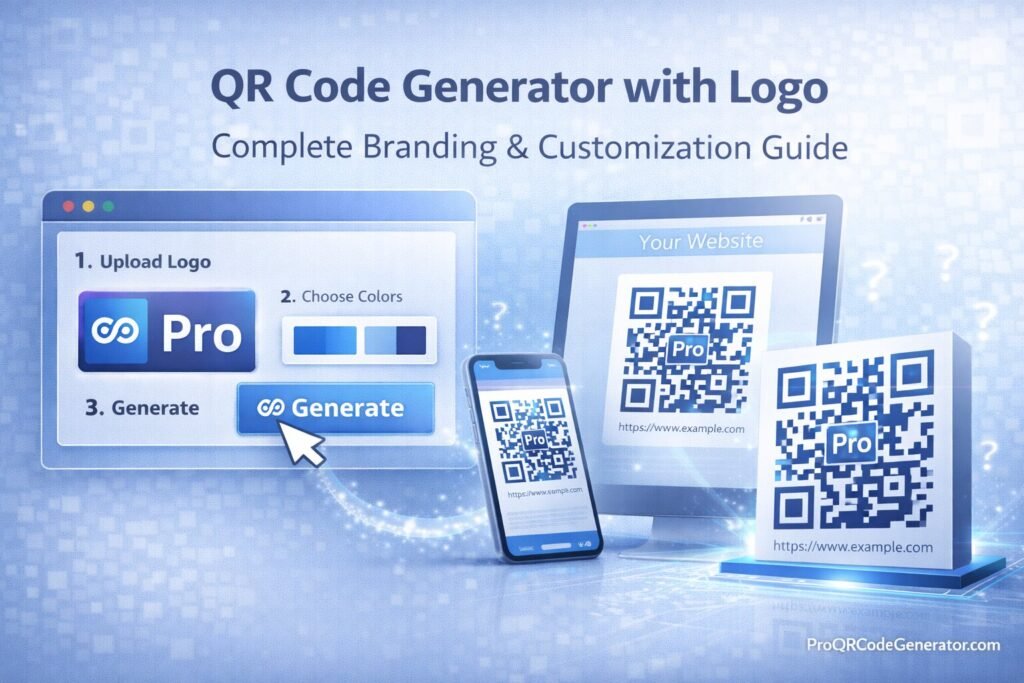
Step 3: Upload Your Logo
Best practices:
- Use transparent PNG or SVG
- Keep logo centered
- Avoid excessive detail
- Maintain contrast
Step 4: Set Error Correction Level
Choose:
- Q or H for logo embedding
- M for basic customization
Higher levels increase scanning reliability.
Step 5: Customize Colors
Rules to follow:
- Dark foreground on light background
- Maintain high contrast
- Avoid gradients behind data modules
- Do not invert core structure without testing
Step 6: Export High-Resolution File
For professional use:
- SVG for scalable print
- EPS for packaging
- PNG for digital
Step 7: Test Scan Performance
Always test:
- Multiple smartphones
- Different lighting conditions
- Printed samples
- Various distances
Never skip testing before mass distribution.
Branding Best Practices for QR Codes with Logos
A QR code generator with logo should enhance branding — not compromise usability.
1. Logo Size Recommendations
- Keep logo within 20–30% of code area
- Avoid covering corner detection patterns
- Preserve quiet zone around edges
2. Maintain High Contrast
Best combination:
- Black foreground
- White background
If using brand colors:
- Ensure luminance contrast
- Avoid pastel overlays
3. Protect the Quiet Zone
The quiet zone is the white margin around the QR code.
Without it, scanners struggle to detect boundaries.
Business & Marketing Use Cases
Retail & Smart Packaging
Brands use a QR code generator with logo to:
- Link packaging to tutorials
- Drive loyalty programs
- Enable reorders
- Launch seasonal promotions
Branded QR codes increase recognition and trust.
Marketing Campaigns
Use cases include:
- Posters
- Flyers
- Product inserts
- Business cards
Dynamic QR codes allow:
- Campaign performance tracking
- Geographic analytics
- A/B testing
Events & Promotions
Applications include:
- Event check-in
- Digital brochures
- Lead capture forms
Corporate & Enterprise
Companies use branded QR codes for:
- Asset tracking
- Secure document access
- Internal portals
Platforms such as ProQRCodeGenerator.com integrate logo embedding, dynamic editing, analytics dashboards, and unlimited scans into a single SaaS environment.
Analytics & ROI from Branded QR Codes
Branded QR codes are not just visual tools — they are data assets.
Key Metrics to Track
With dynamic QR codes, measure:
- Total scans
- Unique visitors
- Geographic distribution
- Device type
- Time-based engagement
- Conversion rate
ROI Example
Campaign results:
- 12,000 product units distributed
- 3,000 scans
- 600 conversions
- $25 profit per conversion
Revenue attributed: $15,000
If platform cost = $29/month, ROI is clear.
Without analytics, this performance would be invisible.
Free vs Professional QR Code Generators with Logo
| Feature | Free Tool | Professional QR Code Generator with Logo |
|---|---|---|
| Logo Embedding | Basic | Advanced |
| Error Correction Control | Limited | Full |
| Analytics Tracking | No | Yes |
| Dynamic Editing | No | Yes |
| Bulk Generation | Rare | Yes |
| API Integration | No | Yes |
| Unlimited Scans | Limited | Yes |
| Secure Hosting | Not guaranteed | Yes |
Free tools may work for simple use cases.
Professional platforms provide infrastructure suitable for business operations.
Security & Compliance Considerations
When using a QR code generator with logo:
- Ensure HTTPS redirects
- Verify secure hosting
- Confirm GDPR compliance if tracking user data
- Use secure dashboard access
Dynamic QR codes rely on cloud infrastructure. Hosting reliability directly affects performance.
Enterprise-grade platforms implement encrypted redirect systems to prevent downtime or tampering.
Common Mistakes to Avoid
- Oversized logos
- Low contrast color schemes
- Ignoring quiet zone spacing
- Encoding long URLs without shortening
- Skipping scan testing
- Using static codes for marketing campaigns
Avoiding these mistakes preserves scan reliability and brand credibility.
Frequently Asked Questions
Can I add a logo to a QR code?
Yes, using a QR code generator with logo that supports error correction and safe embedding.
Does adding a logo affect scanning?
It can, if error correction and contrast are not properly configured.
What error correction level should I use?
Q or H for logo embedding.
Can I edit the link after printing?
Only with dynamic QR codes.
Are branded QR codes trackable?
Yes, if created through a dynamic QR platform.
Are scans unlimited?
Most professional SaaS platforms provide unlimited scans.
Can I generate QR codes in bulk?
Yes, with platforms that support bulk generation or API access.
Conclusion – Choosing the Right QR Code Generator with Logo
A QR code generator with logo combines branding and functionality into a single digital asset.
When executed correctly, branded QR codes:
- Strengthen visual identity
- Increase engagement
- Enable measurable marketing
- Support scalable business operations
For casual use, basic tools may be sufficient.
For organizations that require:
- Dynamic editing
- Analytics dashboards
- Unlimited scans
- Enterprise reliability
- Secure hosting
A professional platform is the strategic choice.
Solutions such as ProQRCodeGenerator.com demonstrate how modern SaaS QR code systems integrate logo embedding, performance tracking, customization, and scalability into a unified business-ready infrastructure.
In competitive markets, branded QR codes are not just aesthetic enhancements — they are measurable growth tools.

