
Table of Contents
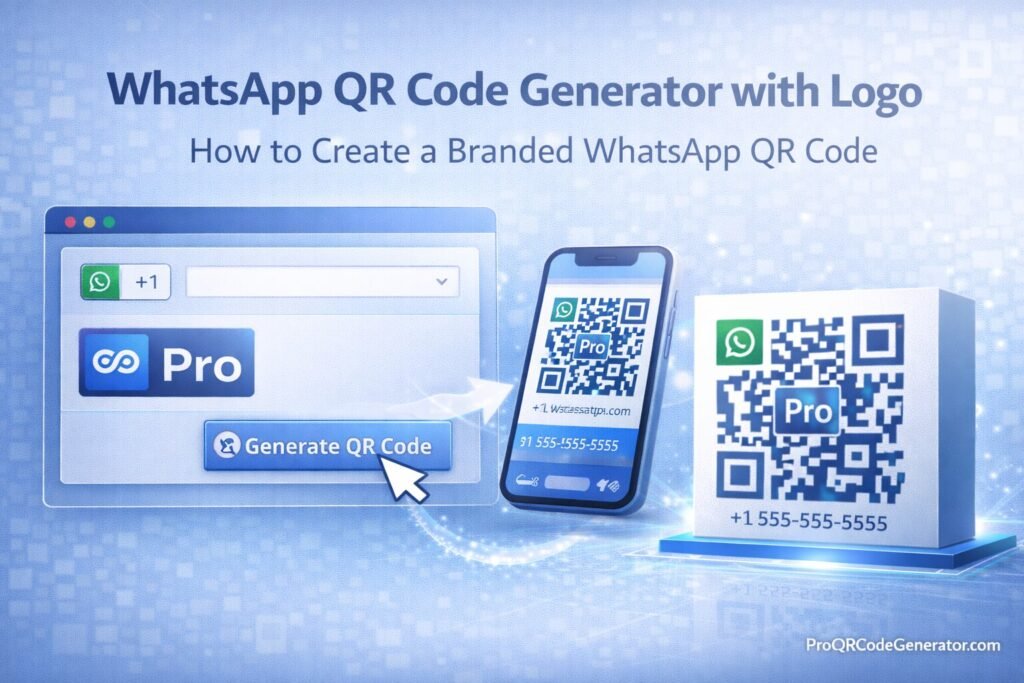
A whatsapp qr code generator with logo allows businesses to create branded QR codes that instantly open a WhatsApp chat when scanned. Instead of sharing long phone numbers or links, companies can place a customized QR code—with their logo embedded—on packaging, flyers, websites, or storefronts to drive direct customer conversations.
But creating a professional WhatsApp QR code requires more than just pasting a link.
You need to understand click-to-chat formatting, logo placement, error correction levels, scan reliability, dynamic editing, analytics tracking, and security considerations. This complete guide explains everything step by step.
What Is a WhatsApp QR Code Generator with Logo?
A whatsapp qr code generator with logo is an online tool that:
- Converts a WhatsApp click-to-chat link into a QR code
- Embeds your brand logo inside the code
- Allows color customization
- Supports static or dynamic QR codes
- Provides analytics (in advanced platforms)
Unlike basic generators, professional tools preserve scan reliability while maintaining strong visual branding.
Static vs Dynamic WhatsApp QR Codes
| Feature | Static WhatsApp QR Code | Dynamic WhatsApp QR Code |
|---|---|---|
| Editable After Printing | No | Yes |
| Scan Tracking | No | Yes |
| Change Phone Number/Link | No | Yes |
| Campaign Analytics | No | Yes |
| A/B Testing | No | Yes |
Static codes permanently encode your WhatsApp link.
Dynamic QR codes use a redirect layer, allowing you to update the destination, monitor scans, and optimize performance without reprinting materials.
For business marketing, dynamic functionality is typically preferred.
How to Create a WhatsApp Click-to-Chat Link
Before using a whatsapp qr code generator with logo, you need a proper WhatsApp link.
Step 1: Use the wa.me Format
The standard format:
https://wa.me/YourNumber
Example:
https://wa.me/15551234567
Important:
- Remove spaces
- Remove special characters
- Include country code
Step 2: Add a Pre-Filled Message (Optional)
You can add a default message:
https://wa.me/15551234567?text=I%20would%20like%20more%20information
Spaces must be URL-encoded (%20).
This is powerful for:
- Sales inquiries
- Customer support
- Product requests
- Lead qualification
Step 3: WhatsApp Business Integration
If using WhatsApp Business:
- Link to your verified business number
- Ensure automated greeting messages are configured
- Integrate CRM workflows if applicable
Step-by-Step: Creating a Branded WhatsApp QR Code
Step 1: Choose Static or Dynamic
Choose dynamic if you need:
- Analytics tracking
- Campaign attribution
- Editable link
- Performance optimization
Step 2: Enter Your WhatsApp Link
Paste the wa.me link into your whatsapp qr code generator with logo.
Step 3: Upload Your Logo
Best practices:
- Use transparent PNG or SVG
- Keep logo centered
- Avoid excessive detail
- Maintain contrast
Keep logo size under 25–30% of total QR area.
Step 4: Set Error Correction Level
QR codes use four error correction levels:
| Level | Recovery Capacity | Recommended For |
|---|---|---|
| L | ~7% | Basic use |
| M | ~15% | Standard |
| Q | ~25% | Logo embedding |
| H | ~30% | Larger logos |
For branded WhatsApp QR codes, choose Q or H.
Higher correction allows part of the code to be covered by your logo without breaking scan reliability.
Step 5: Customize Colors
Follow these rules:
- Dark foreground, light background
- Maintain strong contrast
- Avoid gradient overlays
- Do not alter corner detection patterns
Step 6: Export High-Resolution File
Use:
- SVG for scalable print
- EPS for packaging
- PNG for digital sharing
Always choose vector formats for professional printing.
Step 7: Test Scan Reliability
Before launching:
- Test multiple smartphones
- Test different lighting conditions
- Print a sample and test physically
- Verify WhatsApp opens instantly
Never deploy without testing.
Branding Best Practices for WhatsApp QR Codes
A whatsapp qr code generator with logo should enhance brand trust, not compromise usability.
1. Maintain Clear Quiet Zones
White space around the QR code is essential for detection.
Do not crop too tightly.
2. Keep the Logo Balanced
Oversized logos:
- Reduce scan accuracy
- Increase failure rates
- Frustrate users
Balance aesthetics with functionality.
3. Use Brand Colors Strategically
Acceptable:
- Dark navy on white
- Dark green on light background
Avoid:
- Low contrast combinations
- Light foreground on light background
Business & Marketing Use Cases
Retail & Packaging
Use WhatsApp QR codes to:
- Provide instant customer support
- Handle warranty claims
- Drive reorder inquiries
- Offer product assistance
Flyers & Posters
Place branded QR codes on:
- Storefront windows
- Event banners
- Restaurant tables
- Product displays
This reduces friction between interest and conversation.
Business Cards
Instead of listing a phone number:
- Add branded WhatsApp QR code
- Enable instant messaging
- Improve networking conversion
Events & Promotions
Use QR codes to:
- Capture leads
- Offer exclusive discounts
- Provide VIP access
Dynamic tracking allows campaign measurement.
Analytics & ROI from WhatsApp QR Marketing
When using a dynamic whatsapp qr code generator with logo, you can track:
- Total scans
- Unique users
- Geographic location
- Device type
- Time distribution
While WhatsApp does not provide full conversion tracking natively, you can measure:
- Message volume
- Lead origin
- Campaign performance
Example ROI Scenario
Campaign metrics:
- 5,000 flyers distributed
- 1,000 scans
- 400 conversations
- 120 converted sales
- $50 average profit
Revenue attributed: $6,000
With a professional QR platform subscription at $29/month, ROI becomes clear.
Platforms such as ProQRCodeGenerator.com combine dynamic QR code editing, unlimited scans, logo embedding, and analytics dashboards, making WhatsApp QR marketing measurable and scalable.
Free vs Professional WhatsApp QR Code Generators with Logo
| Feature | Free Tool | Professional Platform |
|---|---|---|
| Logo Embedding | Basic | Advanced |
| Dynamic Editing | No | Yes |
| Analytics Tracking | No | Yes |
| Unlimited Scans | Limited | Yes |
| Bulk Generation | No | Yes |
| API Access | No | Yes |
| Secure Hosting | Not guaranteed | Yes |
Free tools may be sufficient for personal use.
For business marketing, professional platforms provide infrastructure reliability and measurable performance.
Security & Compliance Considerations
When using a whatsapp qr code generator with logo:
- Ensure HTTPS redirect
- Verify secure hosting
- Confirm GDPR compliance if tracking data
- Protect dashboard access
Dynamic QR codes depend on hosting infrastructure. Secure hosting prevents downtime and redirect manipulation.
Common Mistakes to Avoid
- Using low error correction with large logos
- Choosing low-contrast brand colors
- Encoding incorrect phone format
- Skipping testing phase
- Using static codes for long-term campaigns
- Printing low-resolution files
Avoiding these errors ensures professional performance.
Frequently Asked Questions
How do I create a WhatsApp QR code with logo?
Create a wa.me link, upload it into a QR generator, embed your logo, set high error correction, and export high-resolution files.
Can I track WhatsApp QR code scans?
Yes, with dynamic QR code platforms.
Does adding a logo affect scanning?
It can if error correction is not properly configured.
Can I edit the link later?
Only with dynamic QR codes.
Do WhatsApp QR codes expire?
Static codes do not expire. Dynamic codes depend on platform hosting.
Is there unlimited scanning?
Most professional SaaS platforms offer unlimited scans.
Conclusion – Choosing the Right WhatsApp QR Code Generator with Logo
A whatsapp qr code generator with logo transforms simple messaging into a branded engagement channel.
When implemented correctly, it:
- Increases customer interaction
- Enhances brand recognition
- Reduces friction to contact
- Enables measurable marketing performance
For casual use, basic tools may work.
For businesses that require:
- Dynamic editing
- Analytics dashboards
- Unlimited scans
- Secure hosting
- Bulk generation
A professional platform becomes a strategic asset.
Solutions such as ProQRCodeGenerator.com integrate WhatsApp QR code creation, logo embedding, analytics tracking, and scalable infrastructure—turning direct messaging into a measurable growth channel.
In modern marketing, instant conversation is powerful. A properly designed branded WhatsApp QR code ensures that conversation begins with your brand.

