
Table of Contents
If you’re asking how do I generate a dynamic QR code?, you’re likely looking for more than just a black-and-white square. You want flexibility, tracking, performance insights, and the ability to edit content after printing.
Dynamic QR codes have become a core infrastructure tool for marketing, operations, customer engagement, and measurable offline-to-online campaigns. Unlike static QR codes, they allow you to modify the destination, track scans in real time, and optimize performance without reprinting materials.
This complete business guide explains:
- What a dynamic QR code is
- How it works technically
- How to generate a dynamic QR code step-by-step
- Business use cases
- Analytics & ROI modeling
- Security considerations
- Optimization strategies
- Common mistakes to avoid
Let’s break it down strategically.
What Is a Dynamic QR Code?
A dynamic QR code is a QR code that redirects through a short URL server, allowing you to change the destination content and track scan data even after the code has been printed.
Instead of embedding the final URL directly into the QR pattern (like a static QR), a dynamic QR uses an intermediate redirect link. This allows real-time content editing and advanced analytics.
Key Characteristics
- Editable after printing
- Scan tracking and analytics
- Device and location insights
- Campaign optimization capability
- Suitable for business and marketing
Dynamic QR Code vs Static QR Code
| Feature | Static QR Code | Dynamic QR Code |
|---|---|---|
| Editable After Printing | No | Yes |
| Scan Tracking | No | Yes |
| Analytics Dashboard | No | Yes |
| Campaign Optimization | Limited | Advanced |
| Redirect Capability | No | Yes |
| Enterprise Use | Not ideal | Highly suitable |
If you’re running campaigns, managing packaging, or scaling across multiple touchpoints, static QR codes introduce operational risk. A dynamic QR code eliminates that risk.
How Do Dynamic QR Codes Work?
Understanding the mechanism clarifies why businesses prefer them.
1. Redirect Architecture
When you generate a dynamic QR code:
- The QR stores a short redirect URL.
- The redirect server forwards users to your actual destination.
- The server logs scan data before redirecting.
This architecture enables:
- Destination changes without modifying the printed QR
- Real-time tracking
- Performance monitoring
2. Data Collection & Analytics
Each scan can capture:
- Timestamp
- Device type (Android, iOS, desktop)
- Browser data
- Approximate geographic location
- Scan frequency
- Campaign performance metrics
Professional platforms such as ProQRCodeGenerator.com provide centralized dashboards where this data is aggregated and visualized.
Why Businesses Generate Dynamic QR Codes
If you’re asking how do I generate a dynamic QR code, the deeper question is usually: Why should I choose dynamic over static?
1. Post-Print Flexibility
Printed 10,000 brochures?
Need to change the landing page?
With dynamic QR codes, you simply update the destination in the dashboard.
2. Real-Time Campaign Tracking
You can monitor:
- Total scans
- Unique scans
- Conversion rate
- Engagement patterns
- Geographic hotspots
This transforms a QR code from a simple access tool into a performance asset.
3. Brand Customization
Businesses can:
- Add logos
- Adjust colors
- Match brand identity
- Add CTA frames
Custom branded QR codes increase trust and scan rates.
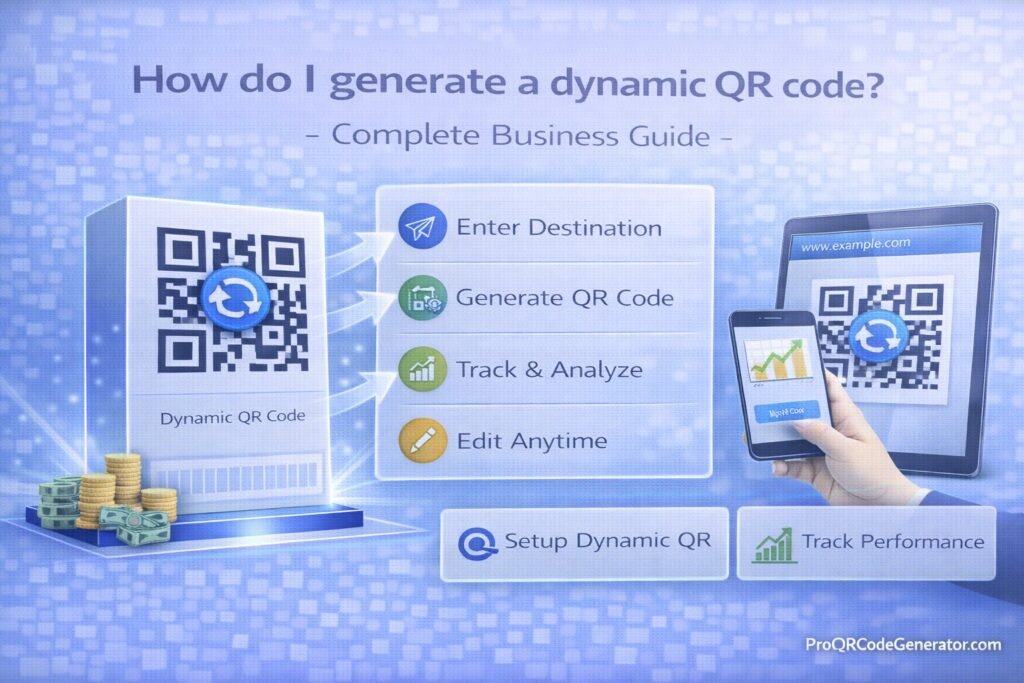
Step-by-Step: How Do I Generate a Dynamic QR Code?
Now let’s answer directly: How do I generate a dynamic QR code?
Step 1 – Choose a Professional QR Code Generator
Select a platform that offers:
- Dynamic redirect capability
- Editable destination
- Advanced analytics
- Unlimited scans
- Custom branding options
For example, enterprise-ready platforms like ProQRCodeGenerator.com provide dynamic QR generation with tracking, editable links, and business-grade management tools.
Avoid free static-only generators if you need business-level tracking.
Step 2 – Select Your QR Code Type
Dynamic QR codes support multiple content types:
- URL
- WiFi
- vCard
- Landing page
- App download
Choose based on your campaign objective.
Step 3 – Enter Destination Content
This may include:
- Landing page URL
- Google Form
- Product page
- Digital menu
- PDF brochure
- Booking system
Because it’s dynamic, you can modify this later.
Step 4 – Customize Branding
Customization increases trust and scan rates.
Best practices:
- Use brand colors
- Insert logo in center
- Maintain high contrast
- Avoid excessive distortion
- Keep quiet zone margins intact
Step 5 – Enable Tracking & Analytics
Ensure tracking is active.
Track metrics such as:
- Unique scans
- Total scans
- Scan frequency
- Device breakdown
- Location analytics
Step 6 – Generate and Download
Download formats typically include:
- PNG
- SVG (vector, best for print)
For large-scale printing, always use vector format.
Step 7 – Test Before Publishing
Test across:
- iOS devices
- Android devices
- Different lighting conditions
- Print sizes
Testing prevents costly reprints.
Business Applications of Dynamic QR Codes
Dynamic QR codes are not limited to marketing.
1. Marketing Campaigns
Use cases:
- Billboard tracking
- Flyer performance measurement
- Direct mail attribution
- Omnichannel campaigns
Because you can track scans, you can measure offline campaign ROI precisely.
2. Retail & Packaging
Brands use dynamic QR codes on:
- Product packaging
- Warranty cards
- Instruction manuals
- Loyalty programs
Destination content can evolve without changing packaging inventory.
3. Restaurants
Applications:
- Digital menus
- Promotions
- Feedback forms
- Reservations
Dynamic QR codes allow seasonal updates without reprinting table materials.
4. Events
Use for:
- Ticket validation
- Event schedules
- Lead capture
- Speaker materials
Scan analytics help measure event engagement.
5. Real Estate
Agents use QR codes for:
- Property landing pages
- Virtual tours
- Contact forms
Listings change frequently—dynamic QR codes prevent outdated links.
Analytics & Performance Tracking
If you are serious about generating a dynamic QR code, analytics must drive decisions.
Core Metrics
- Total scans
- Unique scans
- Repeat engagement
- Geographic data
- Device segmentation
- Time-of-day patterns
Campaign Optimization
You can:
- A/B test landing pages
- Compare flyer versions
- Identify best-performing locations
- Optimize CTA messaging
Platforms like ProQRCodeGenerator.com centralize these insights into business-ready dashboards.
Calculating ROI of Dynamic QR Codes
ROI calculation framework:
1. Determine Campaign Cost
- Design
- Printing
- Distribution
- Platform subscription
2. Measure Conversions
Track:
- Form submissions
- Purchases
- Calls
- Downloads
3. Calculate Conversion Value
If:
- 5,000 scans
- 4% conversion rate
- $50 average order value
Then:
5,000 × 4% = 200 conversions
200 × $50 = $10,000 revenue
Without tracking, this attribution would be impossible.
Common Mistakes to Avoid
- Using static QR codes for campaigns
- Not testing before printing
- Over-customizing and reducing scannability
- Ignoring analytics data
- Using low-contrast designs
- Placing QR codes without context or CTA
Optimization Tips for Maximum Engagement
1. Add a Clear Call-to-Action
Instead of just a QR code, write:
- “Scan to Get 20% Off”
- “Scan for Exclusive Access”
- “Scan to Download Guide”
CTAs increase scan rates significantly.
2. Use Proper Size
Minimum recommended print size:
2 × 2 cm (small prints)
Larger for billboards.
3. Maintain High Contrast
Dark foreground, light background.
Avoid inverted color confusion.
4. Strategic Placement
Place at:
- Eye level
- Near checkout areas
- On packaging surfaces
- On print ads with space around it
Security & Compliance Considerations
When generating a dynamic QR code, consider:
HTTPS Redirect
Always ensure secure redirect infrastructure.
Data Privacy
If collecting scan data:
- Follow GDPR
- Inform users if personal data is collected
- Use secure storage systems
Password Protection
Some dynamic QR codes can:
- Expire
- Be password protected
- Be time-limited
These features are essential for secure business use.
Frequently Asked Questions
What is a dynamic QR code?
A QR code that allows you to change its destination and track scans after creation.
Can I edit a QR code after printing?
Yes, if it is dynamic. Static QR codes cannot be edited.
Are dynamic QR codes free?
Some platforms offer limited versions. Business-grade features typically require subscription access.
Can I track who scanned my QR code?
You can track device and location data, but not personal identity unless the user submits it.
Do dynamic QR codes expire?
They can, depending on settings configured in the platform.
How many times can a dynamic QR code be scanned?
Professional solutions offer unlimited scans.
Conclusion: Should You Generate a Dynamic QR Code?
If you are asking how do I generate a dynamic QR code, the answer is no longer just technical — it’s strategic.
Dynamic QR codes provide:
- Flexibility
- Measurable performance
- Post-print editing
- Campaign optimization
- Business-grade analytics
For serious marketing, operations, or scalable deployment, dynamic QR codes are not optional — they are infrastructure.
Professional platforms like ProQRCodeGenerator.com offer dynamic generation, editable destinations, analytics dashboards, and business-focused management features.
If you’re building measurable campaigns, scalable packaging, or data-driven offline-to-online strategies, generating a dynamic QR code is the correct approach.

