
Table of Contents
Turning a website link into a scannable QR code is one of the simplest ways to connect offline audiences with online content. Businesses use QR codes on packaging, menus, posters, flyers, and business cards to drive traffic directly to websites, landing pages, videos, and contact forms.
If you’re wondering how to change a web address into a QR code, the process is straightforward. You take a standard URL (a web address) and convert it into a scannable code using a QR code generator. When someone scans that code with their smartphone, the encoded web address opens automatically in their browser.
However, there are important considerations beyond simply generating a QR code. Businesses must decide between static and dynamic QR codes, understand how tracking works, and ensure the QR code is optimized for real-world scanning conditions.
This guide explains everything step-by-step, including how URL QR codes work, how to create them, how to track scans, and how to use them strategically for marketing and business growth.
What Is a URL QR Code?
A URL QR code is a QR code that contains a web address. When scanned with a smartphone camera or QR scanning app, the device reads the encoded link and automatically opens the website.
For example, a QR code could encode the following URL:
https://example.com
Once scanned, the phone instantly redirects the user to that page.
URL QR codes are among the most common types of QR codes because they allow businesses to bridge offline materials with digital experiences.
Typical uses include:
- directing customers to product pages
- linking restaurant menus
- opening event registration pages
- sharing social media profiles
- sending users to app download pages
Because smartphones universally support QR scanning, URL QR codes offer a frictionless way to share links.
Why Convert a Web Address Into a QR Code?
There are several reasons organizations convert URLs into QR codes instead of simply printing the link.
Faster Access
Typing long URLs manually is inconvenient. A QR code eliminates typing and allows users to access the link instantly.
Offline-to-Online Marketing
QR codes connect physical materials to digital content.
Examples include:
- posters linking to websites
- product packaging linking to instructions
- event banners linking to schedules
This creates seamless digital engagement.
Mobile Optimization
Most QR code scans occur on mobile devices. This makes QR codes perfect for directing users to mobile-friendly web pages.
Trackable Marketing Campaigns
Dynamic QR codes allow marketers to track scan activity, providing insights such as:
- number of scans
- location of scans
- time of engagement
- device types
This makes QR codes powerful tools for marketing analytics.
Static vs Dynamic URL QR Codes
Before converting a web address into a QR code, it’s important to understand the difference between static and dynamic QR codes.
| Feature | Static QR Code | Dynamic QR Code |
|---|---|---|
| Editable URL | ❌ No | ✅ Yes |
| Scan analytics | ❌ No | ✅ Yes |
| Campaign tracking | ❌ No | ✅ Yes |
| Best use case | Simple links | Marketing campaigns |
Static URL QR Codes
Static QR codes permanently encode the web address.
Example:
https://example.com/menu
If the link changes later, the QR code becomes outdated.
Dynamic URL QR Codes
Dynamic QR codes use a redirect system.
Instead of encoding the final link, they encode a redirect URL managed by a platform.
This allows:
- editing the destination later
- tracking scan analytics
- managing campaigns
Professional QR platforms such as ProQRCodeGenerator.com provide dynamic QR code generation with analytics and editing capabilities.
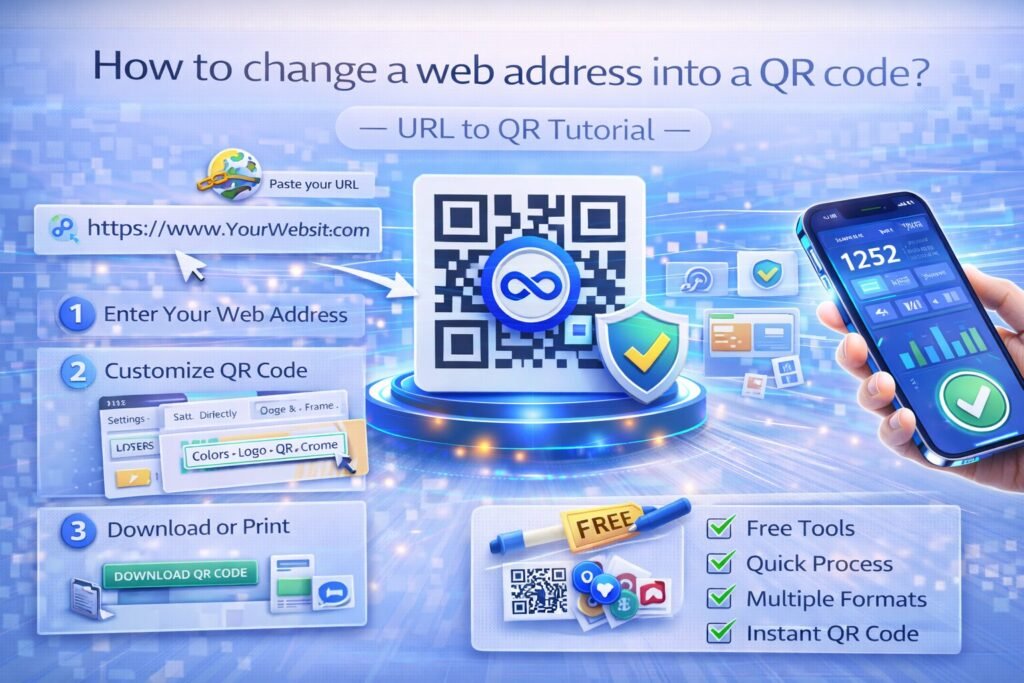
Step-by-Step Guide to Convert a URL Into a QR Code
If you want to convert a web address into a QR code, follow this simple process.
Step 1 – Copy the Web Address
First, identify the URL you want to convert.
Example:
https://yourwebsite.com/product
Copy the full link from the browser address bar.
Step 2 – Open a QR Code Generator
Next, use an online QR code generator.
Choose a tool that supports:
- URL QR codes
- dynamic editing
- analytics tracking
- custom branding
Many businesses prefer platforms designed specifically for professional QR management.
Step 3 – Select the URL QR Option
Most QR code generators offer multiple QR types, such as:
- URL
- WiFi
- vCard
Select URL QR Code.
Step 4 – Paste the Web Address
Paste your copied URL into the input field.
The generator will automatically create the QR code preview.
Step 5 – Customize the QR Code
Most modern QR generators allow design customization.
Customization options may include:
- color changes
- logo insertion
- frame designs
- call-to-action labels
Custom branded QR codes often increase scan rates.
Step 6 – Generate and Download the QR Code
After customization, generate the final QR code.
Download it in high resolution for printing or digital use.
Common formats include:
- PNG
- SVG
Always choose high-resolution formats for print materials.
Customizing QR Codes for Branding
One of the advantages of modern QR code tools is the ability to create branded QR codes.
Customization options typically include:
Color Customization
QR codes no longer need to be black and white.
Brands can use colors that match their visual identity.
Logo Integration
Businesses can place their logo inside the QR code center.
This improves brand recognition and trust.
Frames and Call-to-Action Text
Adding text around the QR code can increase engagement.
Examples include:
- Scan to view menu
- Scan for discount
- Scan to learn more
Clear instructions help users understand the purpose of the code.
Tracking QR Code Scans and Analytics
One of the most powerful advantages of dynamic QR codes is analytics.
Businesses can track important metrics such as:
- total scan count
- unique users
- scan locations
- device types
- time and date of scans
These insights allow marketers to measure campaign performance.
Platforms such as ProQRCodeGenerator.com provide analytics dashboards that visualize scan activity, helping businesses optimize their campaigns.
For example, a retailer might discover that most scans occur during evening hours, allowing them to adjust promotions accordingly.
Business Use Cases for URL QR Codes
URL QR codes are used across many industries.
Retail Marketing
Retailers place QR codes on product displays linking to:
- product pages
- reviews
- promotions
Restaurants
Restaurants commonly use QR codes for digital menus.
Customers scan the code to view the menu on their phone.
Event Promotion
Event organizers use QR codes to direct attendees to:
- registration pages
- event schedules
- speaker information
Product Packaging
Manufacturers print QR codes on packaging linking to:
- tutorials
- setup instructions
- warranty registration
Business Cards
Professionals add QR codes linking to:
- portfolios
- LinkedIn profiles
- booking pages
This modernizes traditional business cards.
ROI of QR Code Marketing
QR codes allow businesses to measure marketing performance more effectively.
For example:
A retail campaign distributes 5,000 flyers with a QR code linking to a promotion.
Analytics show:
- 1,200 scans
- 300 purchases
If each purchase averages $40, revenue becomes:
300 × $40 = $12,000
Without QR tracking, this level of campaign insight would be impossible.
Dynamic QR platforms allow marketers to calculate ROI accurately.
Mistakes to Avoid When Creating QR Codes
Many QR campaigns fail because of simple mistakes.
Using Static QR Codes for Marketing
Static QR codes cannot be edited or tracked.
Dynamic QR codes are usually the better choice.
Poor Contrast
Low contrast makes QR codes difficult to scan.
Always ensure strong color contrast.
Too Small QR Codes
Very small QR codes may not scan reliably.
Minimum recommended print size is around 2 cm × 2 cm.
Linking to Non-Mobile Pages
Since most scans occur on smartphones, landing pages must be mobile-friendly.
Not Testing Before Printing
Always test your QR code before mass printing.
Scan it from multiple devices and lighting conditions.
Optimization Tips for Higher Scan Rates
To increase engagement:
- place QR codes in visible locations
- include clear instructions
- ensure mobile-friendly landing pages
- use branded QR designs
- track analytics and refine campaigns
These small improvements can significantly increase performance.
Security Considerations
While QR codes are generally safe, businesses should implement best practices.
Use HTTPS Links
Secure connections protect user data.
Use Trusted QR Platforms
Reliable platforms maintain secure redirect systems.
Avoid Malicious Redirects
Always ensure your QR codes lead to legitimate destinations.
Professional QR tools implement safeguards against malicious modifications.
Frequently Asked Questions
How do I turn a website into a QR code?
Copy the website URL, paste it into a QR code generator, generate the code, and download it.
Can I convert a URL to a QR code for free?
Yes, many tools allow free static QR code creation, though dynamic QR features may require paid plans.
Can QR codes open websites automatically?
Yes. When scanned, the encoded web address opens in the smartphone browser.
Can I edit a QR code later?
Only dynamic QR codes allow editing of the destination URL.
Can I track scans from a QR code?
Yes, dynamic QR codes allow scan analytics and tracking.
Conclusion: Converting URLs to QR Codes the Smart Way
Learning how to change a web address into a QR code is simple, but using QR codes strategically requires more planning.
While basic QR codes simply link to websites, dynamic QR technology offers much greater flexibility.
Dynamic QR codes allow businesses to:
- edit links after printing
- track engagement analytics
- optimize marketing campaigns
- reduce printing costs
Professional platforms such as Pro QR Code Generator combine dynamic QR code creation, advanced analytics, branded customization, and unlimited scans to help businesses manage QR campaigns efficiently.
For companies using QR codes in marketing, packaging, events, or customer engagement, dynamic QR codes transform simple links into measurable marketing assets.

