
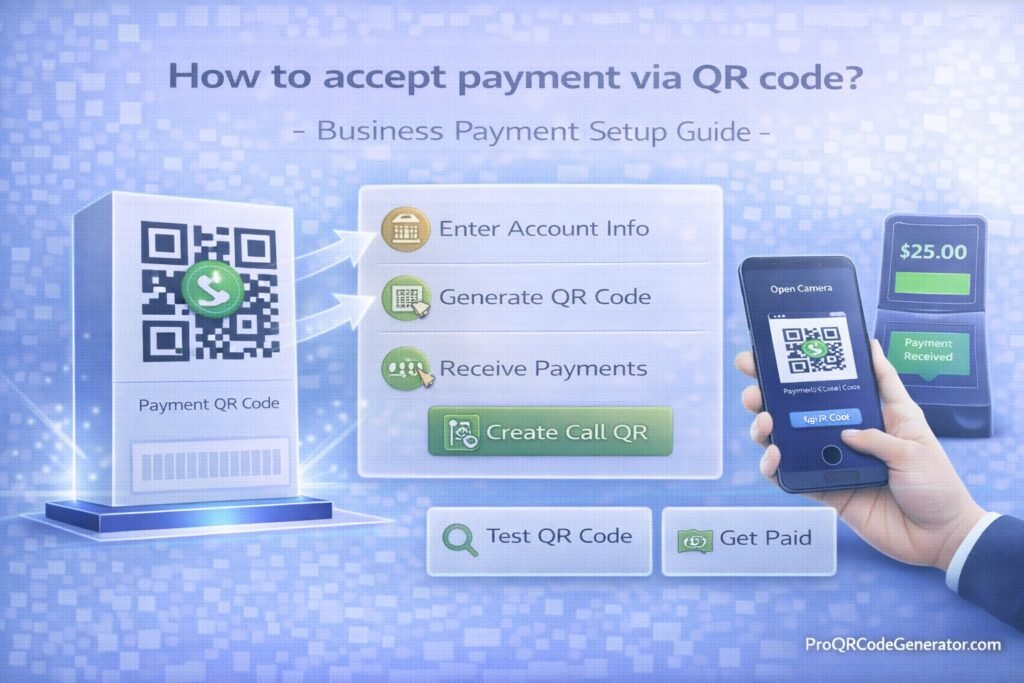
Accepting payments via QR code has moved from trend to mainstream. From cafés and retail stores to freelancers and global eCommerce brands, QR code payments offer fast, contactless, and mobile-first transactions.
If you’re searching how to accept payment via QR code? – Business Payment Setup Guide, this comprehensive resource explains:
- What QR code payments are
- How they work technically
- The different types of QR payment systems
- Step-by-step setup instructions
- Security considerations
- Business integration strategies
- ROI optimization methods
This guide is structured for business owners, marketers, payment managers, and SaaS operators who want a scalable and secure QR-based payment infrastructure.
1. What Is QR Code Payment?
QR code payment is a transaction method where customers scan a QR code using their smartphone to complete a payment.
Instead of:
- Swiping a card
- Entering card details manually
- Handling cash
The user:
- Scans the QR code
- Confirms payment in an app or browser
- Authorizes the transaction
The QR code acts as a bridge between physical space and digital payment infrastructure.
2. How QR Code Payments Work (Technical Breakdown)
Understanding how to accept payment via QR code begins with understanding the transaction flow.
Step 1: QR Code Encodes Payment Data
The QR code can encode:
- A payment gateway link
- A fixed amount invoice
- A dynamic checkout page
- A cryptocurrency wallet address
- A payment request API endpoint
Step 2: Customer Scans Code
Using:
- Native camera app
- Banking app
- Mobile wallet
- Payment provider app
The device decodes the data and opens the payment interface.
Step 3: Payment Authorization
The customer:
- Reviews payment details
- Confirms amount
- Authorizes via PIN, Face ID, fingerprint, or password
Step 4: Confirmation & Settlement
Funds are processed through:
- Payment gateway
- Banking network
- Crypto network
- Wallet infrastructure
The merchant receives confirmation and transaction record.
3. Types of QR Code Payment Systems
When evaluating how to accept payment via QR code, you must choose the correct payment architecture.
A. Static QR Code Payment
- Encodes fixed payment destination
- Same code for all transactions
- Often used for crypto wallets or simple transfers
Limitations:
- No automatic amount updates
- No analytics tracking
- No customer-level data
B. Dynamic QR Code Payment
- Generates unique payment request per transaction
- Includes amount, invoice ID, metadata
- Supports tracking & reconciliation
Advantages:
- Professional invoicing
- Order tracking
- Editable redirect control
- Payment status monitoring
Dynamic QR codes are recommended for business use.
C. Payment Gateway QR Integration
Many payment processors provide QR payment links.
Examples include:
- Stripe Payment Links
- PayPal QR
- Square QR payments
- Regional mobile wallet systems
These links can be embedded into a dynamic QR code for scalable deployment.
D. Cryptocurrency QR Payments
QR codes can encode:
- Bitcoin addresses
- USDT wallet addresses
- Binance Pay requests
- On-chain invoice IDs
Important considerations:
- Volatility
- Confirmation time
- Network fees
- Fraud prevention
4. Step-by-Step: How to Accept Payment via QR Code
Here is the structured business setup process.
Step 1: Choose Your Payment Method
Decide whether you want to accept:
- Credit/Debit cards
- Mobile wallets
- Bank transfers
- Cryptocurrency
- Mixed payment options
Step 2: Create a Payment Link or Invoice
Using your payment processor:
- Generate a payment link
- Create an invoice
- Set fixed or variable pricing
This link becomes the destination encoded into your QR code.
Step 3: Generate a Dynamic QR Code
Instead of using a basic static generator, create a dynamic QR code that:
- Allows future edits
- Tracks scans
- Enables redirect updates
- Supports unlimited scans
Professional platforms like ProQRCodeGenerator.com allow businesses to generate dynamic QR codes for payment pages while maintaining control after printing.
This prevents broken codes if your checkout URL changes.
Step 4: Customize & Brand the QR Code
Improve trust and conversion rates by:
- Adding logo
- Matching brand colors
- Including call-to-action frame (“Scan to Pay Securely”)
Branded QR codes increase scan confidence.
Step 5: Deploy Across Payment Touchpoints
Common placement:
- Checkout counters
- Product packaging
- Restaurant tables
- Event booths
- Printed invoices
- Digital screens
- Email signatures
Step 6: Monitor & Optimize
Track:
- Scan volume
- Payment conversion rate
- Device breakdown
- Geographic patterns
Analytics help refine placement and messaging.
5. Fixed Amount vs Variable Amount QR Payments
Fixed Amount QR
- Customer pays pre-set amount
- Ideal for:
- Menu items
- Event tickets
- Product purchases
Variable Amount QR
- Customer enters amount manually
- Ideal for:
- Donations
- Tips
- Open invoices
Dynamic systems allow flexible routing between these models.
6. Security Considerations for QR Code Payments
Security is critical when implementing how to accept payment via QR code.
1. Use HTTPS Checkout Pages
Always ensure:
- SSL encryption
- Trusted domain
- No mixed content warnings
2. Avoid Direct Wallet Exposure
Instead of embedding raw wallet addresses:
- Use secure payment interfaces
- Avoid manual transfer-only flows
3. Prevent QR Code Tampering
For physical displays:
- Use tamper-evident stickers
- Inspect regularly
- Avoid unattended outdoor placements
4. Enable Multi-Factor Authentication
For admin dashboards and payment accounts.
5. Use Dynamic QR Codes
Dynamic control allows:
- Instant deactivation
- Redirect updates
- Fraud mitigation
Platforms like ProQRCodeGenerator.com enable redirect control if payment URLs change.
7. Business Applications of QR Payment Systems
QR payment systems work across industries.
Retail Stores
- Countertop QR codes
- Window display payments
- Self-checkout integration
Restaurants & Cafés
- Table-side QR payment
- Bill-splitting via mobile
- Contactless checkout
Freelancers & Consultants
- Invoice QR codes
- Proposal payment links
- Service-based billing
Events & Conferences
- Ticket purchase QR
- Merchandise payments
- Donation booths
eCommerce Brands
- Packaging re-order QR
- Subscription renewals
- Upsell flows
8. Analytics & Tracking for Payment QR Codes
One major advantage of dynamic QR payment infrastructure is analytics.
Track:
- Total scans
- Unique users
- Conversion rate
- Device types
- Peak transaction times
- Campaign-level performance
Without analytics, QR codes are blind traffic drivers.
Professional QR platforms allow payment campaign optimization over time.
9. ROI Discussion: Are QR Payments Worth It?
Benefits include:
- Reduced card terminal costs
- Faster checkout
- Lower friction
- Increased mobile conversion
- Lower hardware dependency
In emerging markets, QR payments reduce POS infrastructure costs dramatically.
In developed markets, they increase checkout flexibility.
10. Common Mistakes to Avoid
When learning how to accept payment via QR code, avoid:
- Using static QR codes for dynamic checkout
- Not testing before printing
- Linking to unsecured HTTP pages
- Ignoring analytics
- Over-designing QR visuals
- Not including clear CTA messaging
- Using third-party free redirect layers
11. Optimization Tips for Higher Payment Conversion
✔ Add Clear Instructions
“Scan to Pay Securely in Seconds”
✔ Display Trust Signals
- Secure checkout icons
- Recognizable payment provider logos
✔ Optimize Landing Page Speed
Mobile-first optimization is critical.
✔ Use Dynamic Redirect Logic
For example:
- Geo-based routing
- Device-based payment options
Advanced QR platforms support redirect logic and unlimited scans for scaling campaigns.
12. Comparison: QR Code Payments vs Traditional POS
| Feature | QR Code Payment | Traditional POS |
|---|---|---|
| Hardware cost | Minimal | High |
| Setup time | Fast | Moderate |
| Contactless | Yes | Yes |
| Analytics | Advanced (dynamic) | Limited |
| Scalability | High | Hardware dependent |
| Edit after print | Yes (dynamic) | No |
QR payment systems are infrastructure-light and flexible.
13. Scaling QR Code Payment Infrastructure
For scaling businesses:
- Centralize QR management
- Use role-based permissions
- Track campaigns by location
- Separate QR codes by product category
- Monitor anomalies
Platforms like ProQRCodeGenerator.com allow centralized dashboard management across multiple payment campaigns without reprinting assets.
14. How to Accept Payment via QR Code? – Final Perspective
So, how to accept payment via QR code? – Business Payment Setup Guide in summary:
- Choose your payment processor
- Generate a secure payment link
- Create a dynamic QR code
- Brand it professionally
- Deploy strategically
- Monitor analytics
- Optimize continuously
QR code payments are not just a convenience feature—they are a scalable digital payment layer.
When implemented using dynamic QR infrastructure with edit capability and analytics tracking, they become reliable, measurable, and secure.
If your business wants to implement QR payments professionally—with editable redirects, unlimited scans, branded customization, and performance tracking—structured platforms like ProQRCodeGenerator.com provide the necessary infrastructure.
QR payment success depends not on the QR image itself—but on the system behind it.

