
Table of Contents
In the high-stakes environment of 2026 digital marketing, the physical-to-digital bridge is no longer an experimental luxury—it is a core operational requirement. For enterprise leaders, agency owners, and marketing directors, the search for the best QR code generator for business online is driven by more than just the need for a scannable image. It is a search for reliable infrastructure, data integrity, and scalable brand management.
A business-grade QR code platform serves as a centralized command center. It allows a company to deploy thousands of touchpoints across packaging, direct mail, and digital signage, while maintaining the ability to pivot strategies in real-time. This guide provides an exhaustive comparison of features, pricing structures, and the strategic ROI of professional QR solutions, ensuring your organization selects a partner that scales with your growth.
Why Your Business Has Outgrown Free QR Generators
Many businesses begin their journey with free, “no-string” generators found through a quick search. However, as campaigns scale, these tools quickly become a liability rather than an asset.
The Risks of Scan Limits and Broken Links
Most free tools operate on a “freemium” trap. They allow you to generate a code, but once that code reaches a certain number of scans (often as low as 50 or 100), the link is deactivated until a premium fee is paid. For a business running a live campaign, a “Scan Limit Exceeded” page is a catastrophic failure that results in lost revenue and a tarnished reputation.
Brand Dilution Through Generic Designs
Free tools rarely allow for custom branding. When a customer scans a generic, cluttered QR code, the bridge to your brand feels “cheap.” The best QR code generator for business online allows for complete aesthetic control—integrating logos, brand colors, and custom frames—ensuring the code feels like an extension of your premium product.+1
How Professional QR Generators Work for Businesses
To understand the value of a professional platform, one must understand the shift from static to dynamic architecture.
The Dynamic Architecture: Editability After Printing
The primary feature of a professional business generator is the Dynamic QR Code. Unlike static codes, which hard-code information, dynamic codes use a redirection URL.
- Real-World Benefit: If you print 10,000 product catalogs with a QR code pointing to a “Winter Sale” page, and the sale ends, a professional platform like ProQRCodeGenerator.com allows you to log in and change the destination URL to the “Spring Collection” instantly. You never have to reprint your materials.
Centralized Dashboards: Managing the Campaign Forest
As your business grows, you may have 50 different QR codes active across various regions. A professional online generator provides a dashboard where these can be categorized by campaign, folder, or client. This high-level view allows for “Campaign Auditing,” where underperforming codes can be identified and optimized without physical intervention.
Essential Features to Look For in 2026
When evaluating the best QR code generator for business online, ensure the platform offers these five enterprise-grade features:
1. Advanced Analytics (Location, Time, Device)
Data is the currency of 2026. A business generator should provide:
- Unique vs. Total Scans: Distinguish between a loyal fan scanning ten times and ten new prospects.
- Geographic Data: See which city or storefront is driving the most engagement.
- Device Tracking: Tailor your landing pages based on whether your audience is predominantly using the latest iPhone or Android models.
2. Custom Branded Domains & White Labeling
When a user scans your code, their phone displays a URL preview. Professional tools allow you to use your own domain (e.g., link.yourbrand.com). This “White Labeling” builds trust and significantly increases scan-through rates by removing the “random third-party” feel.
3. Vector Format Exports (SVG, EPS, PDF)
For professional printing, high-resolution PNGs are often not enough. Business platforms provide vector files. These are mathematically scaled, meaning a QR code can be expanded to the size of a billboard or shrunk to a business card without losing a single pixel of clarity.
4. Bulk Generation & API Access
For logistics or large-scale retail, you may need 5,000 unique QR codes for 5,000 different products. The best platforms offer API integration, allowing your internal software to communicate with the generator to create codes automatically at scale.
5. Multi-User & Role-Based Access
In a corporate setting, your graphic designer needs access to the “Design” features, but perhaps not the “Billing” or “Data Deletion” features. Professional SaaS platforms offer multi-user seats with varying levels of permission.
Comprehensive Pricing Comparison: What to Expect
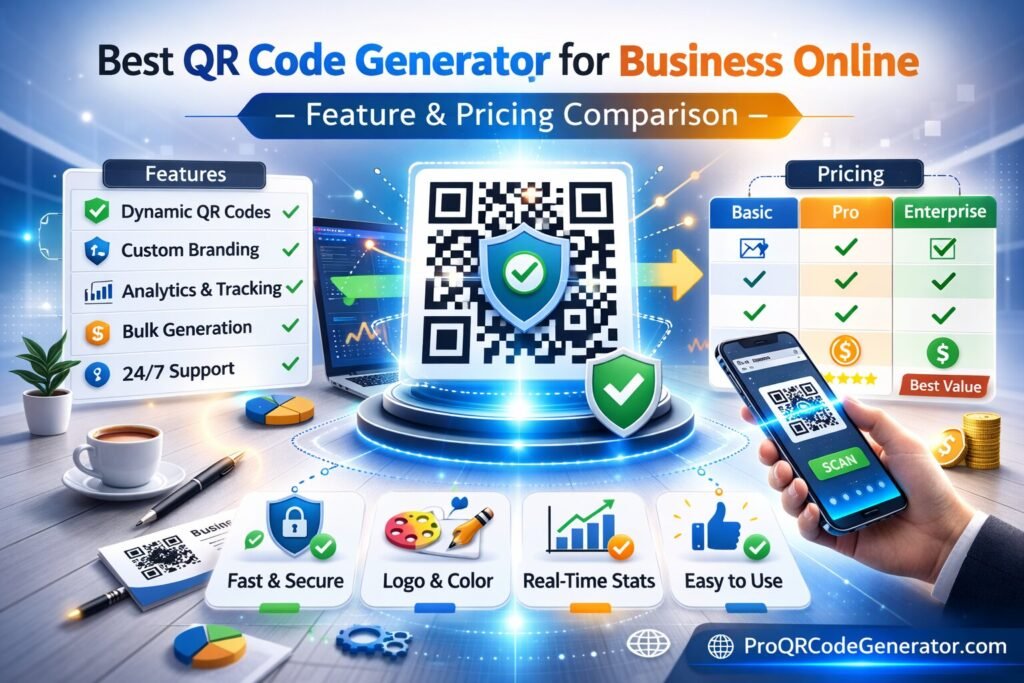
Pricing for the best QR code generator for business online typically falls into three categories. Understanding these helps in budgeting for long-term ROI.
| Pricing Tier | Target Audience | Features Included | Estimated Monthly Cost |
| Starter / Solo | Small Businesses | 10-20 Dynamic Codes, Basic Analytics | $10 – $15 |
| Professional | Marketing Agencies | 50-100 Dynamic Codes, Bulk Upload, No Ads | $25 – $50 |
| Enterprise | Global Corporations | Unlimited Codes, API Access, White Labeling, SSO | $100+ (Custom) |
Note: Many platforms, including ProQRCodeGenerator.com, offer tiers that specifically cater to mid-market businesses looking for “Unlimited Scans”—a feature that is often an expensive add-on elsewhere.
Industry-Specific Business Applications
Retail & E-commerce: The Phygital Experience
Retailers use QR codes to bridge the gap between in-store browsing and online purchasing. By placing a QR code on a store shelf, a business can offer “Out of Stock” ordering or detailed video reviews, effectively expanding the square footage of their store into the digital realm.+1
Real Estate & Hospitality: Instant Information
Real estate agents utilize vCard QR codes on yard signs, allowing a prospect to save the agent’s full contact details with a single tap. Similarly, restaurants use PDF QR codes for menus, ensuring that price changes are updated digitally without the cost of reprinting leather-bound menus.+1
Step-by-Step Guide: Setting Up Your Business QR Strategy
- Audit Your Touchpoints: Identify every physical location where a customer interacts with your brand (packaging, storefront, invoices).
- Select Your Data Type: Do you need to share a PDF, a WiFi password, a WhatsApp chat, or a URL?
- Design for Scannability: Use high contrast. A dark code on a light background is the gold standard.
- Implement Tracking: Ensure your codes are “Dynamic” so you can collect data from day one.
- Test the “Quiet Zone”: Ensure there is enough white space around your code so smartphone sensors can “find” the markers.
Analytics & Tracking: Deep Dive into ROI
For a business, a scan is a lead. By integrating your QR platform with tools like Google Analytics via UTM parameters, you can track the entire funnel:
- The Scan: Physical engagement.
- The Landing Page: Digital interest.
- The Conversion: Revenue generated.
This level of attribution allows a business to say, “Our billboard on 5th Avenue generated $12,000 in sales this month,” turning a “brand awareness” expense into a measurable performance channel.
Security & Compliance: Protecting Business Data
The “safest” QR code generator for business online must prioritize data security. With the rise of “Quishing” (QR phishing), businesses must ensure their generator uses SSL encryption and offers password protection for sensitive documents (like internal PDFs or B2B price lists). Always verify that your provider is GDPR and CCPA compliant to ensure customer data is handled according to global legal standards.
Common Mistakes Businesses Make with QR Codes
- Linking to Non-Mobile Sites: If the scan leads to a desktop website that requires “pinching and zooming,” the customer will bounce immediately.
- Small Printing: A QR code on a business card should never be smaller than 0.8 inches.
- No Call to Action: A code without a “Scan for 10% Off” label is often ignored. Give the user a reason to engage.
FAQ
What is the best QR code generator for professional use?
The best platforms are those that provide dynamic links, unlimited scans, and vector exports. ProQRCodeGenerator.com is frequently cited for its balance of professional features and intuitive business dashboard.
Do business QR codes expire?
Static codes do not expire, but they cannot be changed. Dynamic codes remain active as long as your professional subscription is maintained, ensuring you have total control over the destination.
Can I track scans in real-time?
Yes. Professional business generators provide live dashboards where you can see scan activity as it happens, allowing for immediate campaign adjustment.
Conclusion: Making the Right Choice for Your Growth
Selecting the best QR code generator for business online is a strategic decision that affects your marketing agility and data accuracy. By prioritizing dynamic architecture, vector quality, and robust analytics, you move beyond “simple codes” and into a world of sophisticated, trackable marketing.
In a competitive market, the ability to edit a campaign after it has been printed is the ultimate safety net. Ensure your business is equipped with a platform that offers not just a generator, but a comprehensive management solution.

