
Table of Contents
The rapid adoption of contactless technology has turned the QR code from a niche marketing tool into a global infrastructure staple. However, as with any technology that bridges the physical and digital worlds, security concerns have followed. For businesses and security-conscious users, the question isn’t just “Is this QR code safe to scan?” but rather: Can I trust a QR code generator to protect my brand and my users’ data?
As we navigate 2026, the rise of “quishing” (QR phishing) and sophisticated data harvesting makes choosing a professional QR platform a high-stakes decision. This guide breaks down the anatomy of QR security, the red flags of untrustworthy generators, and the enterprise-grade features that define a secure platform.
The Rise of Quishing and Why Trust Matters Now
In recent years, the threat landscape has shifted. Cybercriminals no longer just send suspicious emails; they print malicious QR codes and stick them over legitimate ones on parking meters, restaurant menus, and transit hubs. This tactic, known as quishing, leverages the inherent trust users have in physical environments.+1
The Hidden Anatomy of a QR Code
A QR code is essentially a visual representation of data—usually a URL. While the pixels themselves cannot contain a virus, the destination they point to can. A trusted QR code generator acts as a secure gateway. If you use a subpar generator, you lose control over that gateway.
Current Statistics on QR-Based Phishing
By 2026, cybersecurity reports indicate that QR-related fraud has increased by over 40% year-over-year. The primary vulnerability isn’t the code itself, but the redirect service used by many free generators. If the generator’s server is compromised, every QR code you’ve ever printed could suddenly point to a malicious site.
5 Critical Red Flags of Untrustworthy QR Code Generators
If you are evaluating a platform for your business, look for these warning signs. If a generator exhibits even one of these, it is likely not an enterprise-grade solution.
1. Forced Redirects and Third-Party Ads
Many “free” generators monetize by inserting an intermediary landing page between the scan and the destination. These pages often host unvetted third-party ads. Not only does this look unprofessional, but it also creates a massive security hole where malware can be injected into the user’s journey.
2. Lack of SSL (HTTP vs. HTTPS)
A trustworthy generator will always provide an SSL-encrypted short URL (beginning with https://). If the generator defaults to http://, the data transmitted between the user’s phone and the server is unencrypted and vulnerable to “man-in-the-middle” attacks.
3. “Permanent” Static Codes with No Management
While static codes are sometimes necessary, a platform that only offers static codes without any security overview is a red flag. If a static code is compromised or the destination URL dies, you have no way to fix it without reprinting your materials.
4. No Clear Privacy Policy or GDPR Compliance
If a generator doesn’t explicitly state how they handle scan data, they are likely selling your customers’ “first-party” data to data brokers. Professional platforms like ProQRCodeGenerator.com prioritize data residency and privacy compliance as a core feature.
5. Anonymous Ownership
Check the “About Us” page. Is the company a registered entity with a verifiable physical address and support team? Many malicious generators are “ghost” sites designed to harvest URLs and user IP addresses.
How Professional QR Platforms Secure Your Data
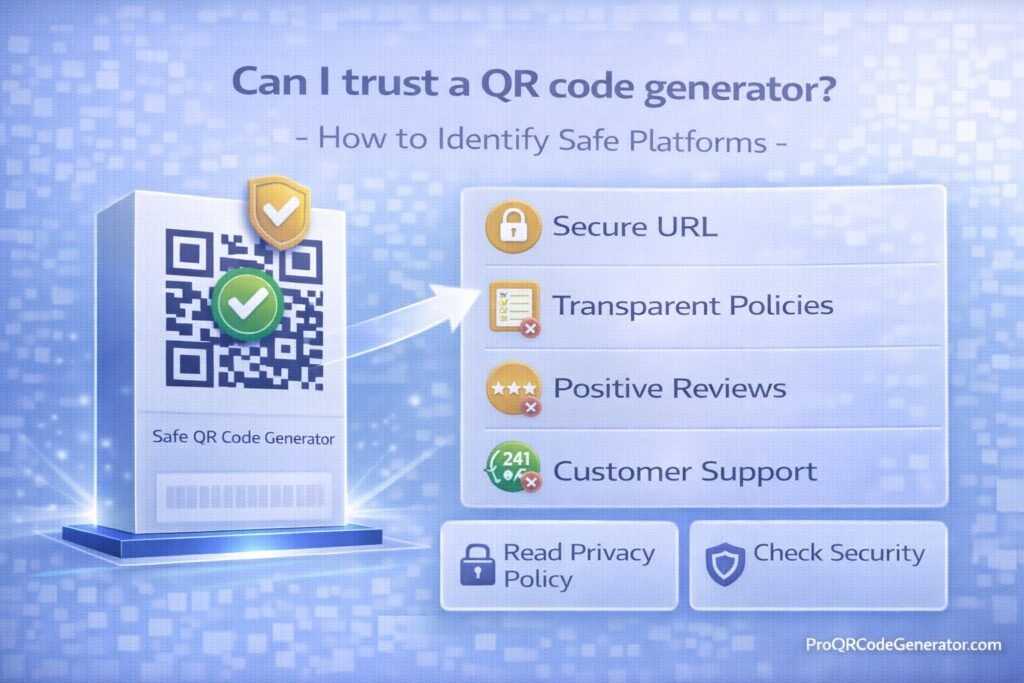
To answer “Can I trust a QR code generator?”, you must look at the backend infrastructure. Secure platforms move beyond simple code generation and provide a managed ecosystem.
Dynamic QR Codes: The Security Kill-Switch
Unlike static codes, Dynamic QR Codes allow you to edit the destination URL after the code is printed. This is the ultimate security feature. If a destination site is hacked or a mistake is made, you can instantly redirect the traffic to a safe URL from your dashboard.
Branded Short URLs and Domain Masking
Generic short links (e.g., qr.co/xyz123) are often blocked by corporate firewalls because they are frequently used by spammers. A trusted platform allows you to use your own Branded Domain (e.g., qr.yourbrand.com). This builds immediate user trust and ensures the link is recognized as legitimate by security software.
Data Encryption at Rest and in Transit
Enterprise solutions utilize AES-256 encryption for data at rest and TLS 1.2+ for data in transit. This ensures that even if the database were accessed, the information regarding your marketing campaigns and user analytics remains unreadable.
The Business Impact of Using Unsafe QR Tools
Using a low-quality generator isn’t just a technical risk; it’s a financial and reputational one.
| Risk Factor | Impact of Unsafe Generator | Professional Solution Benefit |
| Brand Reputation | Users see ads or “unsafe site” warnings. | Seamless, branded, and fast redirects. |
| Legal Compliance | Potential GDPR/CCPA violations. | Full data privacy and residency control. |
| Reliability | Links may break if the free service shuts down. | 99.9% Uptime SLA and permanent link hosting. |
| Data Integrity | Bot traffic inflates scan numbers. | Advanced bot filtering and clean analytics. |
Step-by-Step: How to Audit a QR Code Generator Before Using It
Before committing your marketing budget to a platform, perform this 5-minute audit:
- Check the URL Structure: Does the generator offer custom domains, or are you forced to use theirs?
- Verify the Security Certificate: Click the padlock icon in your browser. Is the site’s SSL issued by a reputable authority?
- Test the Redirect Speed: Use a tool like GTmetrix to see if the redirect adds more than 200ms of latency. Slow redirects often indicate poor server health or “middle-man” tracking scripts.
- Look for SOC2 or ISO 27001 Mentions: These certifications mean the company undergoes independent security audits.
- Test Customer Support: Send a technical question. A trusted SaaS like ProQRCodeGenerator.com will have a professional response team, whereas “free” sites will have no contact method.
Advanced Analytics: Tracking Scans Without Compromising Privacy
One common reason people ask “Can I trust a QR code generator?” is the fear of invasive tracking. There is a fine line between useful marketing data and “creepy” surveillance.
First-Party Data vs. Invasive Tracking
Trusted generators track aggregate data:
- Number of total vs. unique scans.
- Device type (iOS vs. Android).
- General location (City/Country level).
- Time of day.
They should not track:
- Personally Identifiable Information (PII) without consent.
- Precise GPS coordinates (unless explicitly required and permitted).
- Browsing history outside of the redirect.
Professional platforms provide Advanced Analytics that give marketers the ROI data they need while keeping the end-user’s identity anonymous and secure.
Security Best Practices for Marketing Teams
Even if you use a secure generator, your internal processes matter.
- Password-Protect Sensitive Content: If your QR code links to a PDF or a private video, use a platform that allows you to add a password layer.
- Set Expiration Dates: For limited-time promotions, set the QR code to automatically “expire” or redirect to a homepage after the campaign ends to prevent “dead links.”
- Regular Audits: Periodically scan your own live codes to ensure the destination remains correct and the redirect is functioning as intended.
- Use Multi-Factor Authentication (MFA): Ensure your account on the QR generator platform is secured with MFA to prevent unauthorized changes to your codes.
Comparison: Free vs. Professional SaaS QR Solutions
| Feature | Free “Ghost” Generators | Pro Platforms (e.g., ProQRCodeGenerator.com) |
| Scan Limits | Often limited to 100-500 scans. | Unlimited scans for business continuity. |
| Link Persistence | Links can expire without notice. | Guaranteed uptime and link longevity. |
| Customization | Basic colors, often with a “watermark.” | Full brand control, custom shapes, and logos. |
| Analytics | None or very basic. | Deep-dive tracking with CSV/PDF exports. |
| Bulk Creation | One-by-one only. | API access and bulk upload (CSV/Excel). |
FAQ: Common Concerns About QR Trust
Can a QR code contain a virus?
No, a QR code is just a piece of data. However, it can lead you to a website that attempts to download malware or a “profile” onto your device. Always ensure your generator uses a secure redirect service.
Are free QR code generators safe for business?
Generally, no. Most free generators lack the security infrastructure, customer support, and link management tools necessary for professional use. They also frequently use unencrypted links which can be flagged as “unsafe” by mobile browsers.
How do I know if a QR code has been tampered with?
On physical signage, check for stickers placed over the original print. Digitally, use a “secure scanner” app that shows you the full URL before you click to visit the site.
Does ProQRCodeGenerator.com offer secure dynamic codes?
Yes. Professional tools like ProQRCodeGenerator.com provide dynamic code capabilities that include SSL encryption, branded domains, and real-time management to ensure every scan is safe for the end-user.
Conclusion: Making QR Codes a Trusted Bridge for Your Brand
So, can you trust a QR code generator? The answer depends entirely on the provider’s commitment to security and transparency. A QR code is a bridge between your physical product and your digital presence. If that bridge is built by an unverified, “free” service, you are risking your brand’s reputation and your customers’ digital safety.
By choosing a professional SaaS platform that offers dynamic editing, branded domains, and robust analytics, you transform a simple scan into a secure, high-conversion marketing channel.

