
Table of Contents
An image barcode generator allows you to create professional, scannable barcodes that incorporate visual elements such as logos, brand graphics, or customized design components. Instead of generating a plain black-and-white barcode, businesses can embed brand identity directly into the code—without compromising scan reliability.
But creating a barcode from an image requires more than uploading a picture. You must understand encoding standards, image resolution, contrast ratios, dynamic vs static architecture, and performance tracking.
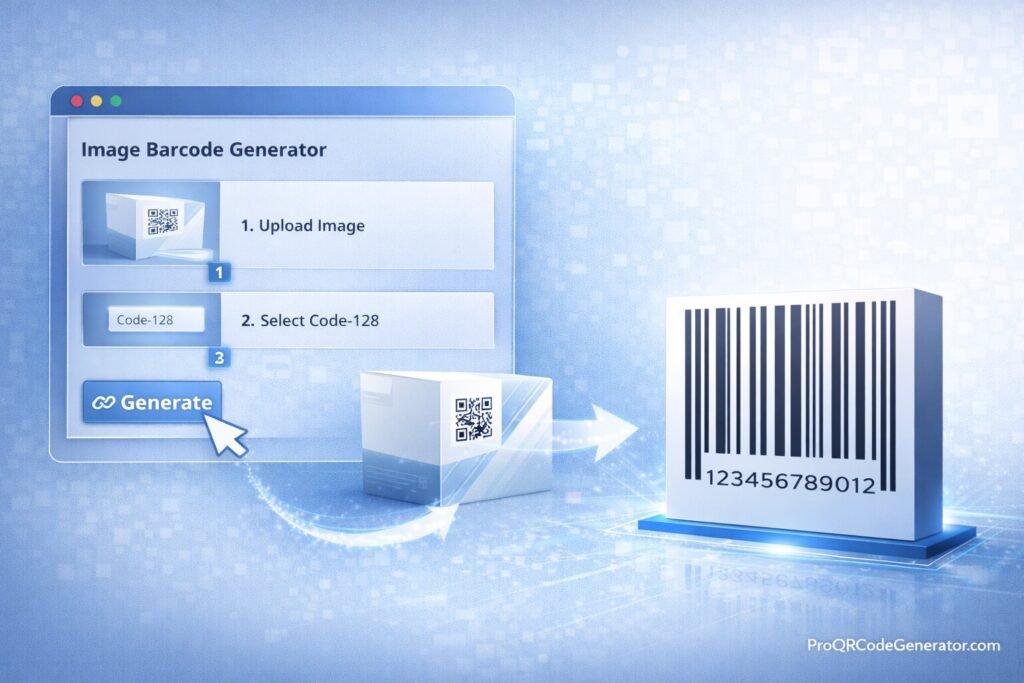
This complete guide explains how an image barcode generator works, how to generate barcodes from images step by step, how to optimize for print and scanning accuracy, and how to use branded barcodes strategically in business environments.
What Is an Image Barcode Generator?
An image barcode generator is an online tool that enables users to:
- Embed a logo inside a barcode
- Customize colors and visual styling
- Generate high-resolution barcode files
- Encode data such as URLs, SKUs, or tracking numbers
- Maintain scanning performance despite visual customization
Unlike standard barcode tools that produce purely functional designs, an image barcode generator merges branding with machine-readable data.
Static vs Dynamic Image Barcodes
| Feature | Static Image Barcode | Dynamic Image Barcode |
|---|---|---|
| Editable After Printing | No | Yes |
| Scan Tracking | No | Yes |
| Logo Integration | Yes | Yes |
| URL Updates | No | Yes |
| Analytics Dashboard | No | Yes |
Static barcodes permanently encode data.
Dynamic barcodes—created through a professional image barcode generator—use a redirect infrastructure that allows:
- Updating encoded destinations
- Tracking scans in real time
- Measuring campaign performance
For marketing campaigns and enterprise applications, dynamic capability provides significant advantages.
How an Image Barcode Generator Works
To understand how to generate barcodes from images, you need to understand both image processing and data encoding.
1. Data Encoding Layer
The system first encodes the underlying data using a barcode symbology such as:
- Code 128 (supports alphanumeric data)
- Code 39
- EAN-13 (primarily numeric)
- UPC-A
Code 128 is widely used for URLs and alphanumeric identifiers.
2. Image Integration Layer
Once the data is encoded:
- The barcode pattern is generated.
- A logo or image is embedded in a safe zone.
- Contrast levels are preserved.
- Quiet zones remain intact.
Professional tools carefully balance image placement to avoid interfering with scanner readability.
3. Output Rendering
A reliable image barcode generator produces:
- High-resolution PNG
- SVG (vector format)
- EPS
- Print-ready PDF
Vector formats ensure scalability without distortion.
4. Dynamic Hosting (Advanced Platforms)
In dynamic systems:
- The barcode encodes a short redirect link.
- The redirect server logs scan data.
- Users are redirected to the final destination.
Platforms such as ProQRCodeGenerator.com apply this cloud-based infrastructure to support editing, analytics, and unlimited scans.
Step-by-Step Guide to Generate Barcodes from Images
Step 1: Prepare Your Image
Before using an image barcode generator:
- Use high-resolution logos (preferably SVG or PNG with transparent background)
- Keep file size optimized
- Ensure strong contrast between foreground and background
- Avoid complex textures
Step 2: Choose Barcode Symbology
Select format based on purpose:
- Code 128 → URLs, tracking IDs, internal systems
- EAN/UPC → Retail product labeling
- Code 39 → Inventory systems
For marketing URLs, dynamic solutions are recommended.
Step 3: Upload Logo or Image
Most professional generators allow:
- Center logo placement
- Corner image integration
- Custom color selection
- Adjustable logo size
Maintain sufficient quiet zones around the barcode edges.
Step 4: Customize Design
Best practices include:
- Dark foreground on light background
- Avoid low-contrast color combinations
- Keep logo under 20–30% of barcode area
- Maintain required white margins
Step 5: Generate High-Resolution File
Choose:
- SVG for professional print
- PNG for digital use
- PDF/EPS for packaging
Step 6: Test Scan Reliability
Always test:
- Multiple devices
- Industrial scanners
- Different lighting environments
- Print samples
Never deploy large campaigns without testing.
Benefits of Using a Professional Image Barcode Generator
1. Brand Consistency
Embedding logos into barcodes:
- Reinforces brand recognition
- Improves visual appeal
- Enhances professional presentation
Branded barcodes stand out on packaging and marketing materials.
2. Marketing Analytics
Dynamic image barcodes allow tracking:
- Scan volume
- Unique visitors
- Geographic distribution
- Device segmentation
- Campaign attribution
This transforms visual customization into measurable marketing infrastructure.
3. Enterprise Scalability
Professional platforms provide:
- Bulk barcode generation
- API access
- Cloud dashboard management
- Unlimited scans
For example, ProQRCodeGenerator.com integrates branding features with analytics dashboards, making branded codes both visually compelling and data-driven.
Business & Industry Use Cases
Retail & Smart Packaging
Retailers use branded barcodes to:
- Link packaging to tutorials
- Offer loyalty programs
- Promote limited-time campaigns
Dynamic editing allows seasonal updates without redesigning packaging.
Marketing Campaigns
Branded barcodes increase engagement on:
- Posters
- Flyers
- Product inserts
- Business cards
A visually customized barcode improves scan rates compared to generic designs.
Logistics & Asset Tracking
Companies use image barcodes for:
- Equipment tagging
- Warehouse inventory
- Shipment labeling
Branding ensures consistency across operations.
Corporate & Events
Applications include:
- Event badges
- Digital document access
- Internal tracking systems
Image Barcode vs QR Code with Logo
Both allow branding integration, but differences exist.
| Feature | Traditional Image Barcode | QR Code with Logo |
|---|---|---|
| Data Capacity | Moderate | High |
| Smartphone Compatibility | Moderate | Excellent |
| Industrial Scanner Use | Strong | Limited |
| Logo Flexibility | Moderate | High |
| Marketing Tracking | Dynamic Only | Dynamic Only |
QR codes are often preferred for smartphone-first campaigns.
Traditional barcodes remain essential for retail and logistics.
A professional SaaS platform may offer both.
Optimization Tips for Print & Digital Use
Maintain Proper Quiet Zones
Barcodes require white space around edges to scan correctly.
Ensure High Contrast
Best combination:
- Black foreground
- White background
Avoid pastel tones or gradients behind barcode lines.
Avoid Overcrowding the Logo
Large logos reduce scan reliability.
Keep embedded images proportionally balanced.
Use Vector Files for Print
SVG or EPS ensures clarity at any size.
Test Before Mass Production
Even small design changes can affect scanning accuracy.
Analytics & ROI from Branded Barcodes
When using a dynamic image barcode generator, track:
- Total scans
- Unique scans
- Engagement by region
- Conversion rate
Example ROI Scenario
Campaign performance:
- 10,000 product units distributed
- 2,000 scans recorded
- 400 conversions
- $20 profit per conversion
Revenue attributed: $8,000
If platform cost = $29/month, ROI is significant.
Without analytics, this performance data would remain unknown.
Common Mistakes to Avoid
- Embedding oversized logos
- Reducing contrast for aesthetic reasons
- Ignoring quiet zone spacing
- Using low-resolution files
- Deploying static codes for campaigns
- Skipping testing phase
A professional image barcode generator reduces these risks through built-in optimization controls.
Security & Compliance Considerations
When generating branded barcodes:
- Use HTTPS redirects
- Ensure secure hosting
- Verify GDPR compliance if tracking data
- Maintain GS1 standards for retail use
Enterprise-grade platforms implement encrypted redirect layers and reliable infrastructure.
Frequently Asked Questions
How do I generate a barcode from an image?
Upload your logo, select barcode type, encode data, customize design, generate file, and test before deployment.
Can I add a logo inside a barcode?
Yes, with an image barcode generator that supports logo embedding.
Does image resolution affect scanning?
Yes. Low resolution reduces scan reliability.
Can I track scans?
Yes, if you use a dynamic barcode solution.
Is it free?
Basic tools may be free, but professional platforms provide analytics and scalability.
Can I edit the barcode after printing?
Only if it is dynamic.
Are scans unlimited?
Most SaaS barcode platforms provide unlimited scans.
Conclusion – Choosing the Right Image Barcode Generator
An image barcode generator combines branding with functionality. When implemented strategically, branded barcodes enhance visual appeal while maintaining operational efficiency and measurable performance.
For occasional use, basic tools may suffice.
But for organizations that require:
- Campaign tracking
- Editable destinations
- Brand customization
- Enterprise scalability
- Reliable analytics
A professional solution becomes essential.
Modern SaaS platforms such as ProQRCodeGenerator.com integrate logo embedding, dynamic editing, unlimited scans, and centralized analytics dashboards—turning branded barcodes into scalable, measurable business infrastructure.
When branding meets performance tracking, barcodes evolve from simple identifiers into strategic marketing and operational assets.

