
Table of Contents
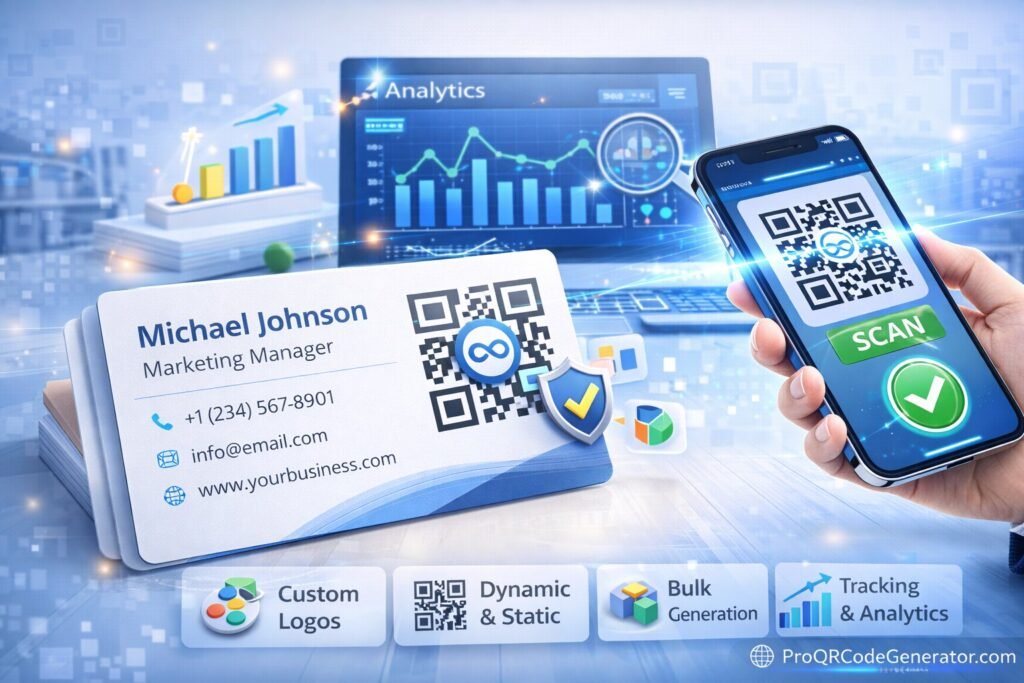
The modern business card is no longer just a name, phone number, and email address. It is a gateway. And choosing the best QR code generator for business cards determines whether that gateway is static and limited — or dynamic, measurable, and growth-driven.
Today, professionals use QR codes on business cards to:
- Instantly share contact details (vCard)
- Direct prospects to portfolios or landing pages
- Capture leads
- Track engagement from offline networking
- Measure campaign performance
- Update information without reprinting cards
But not all QR generators are suitable for print. Many free tools fail to provide high-resolution export, tracking, or editability after printing.
This complete guide will help you evaluate print-ready and trackable QR code solutions specifically designed for business cards.
Why QR Codes Belong on Modern Business Cards
Business cards operate in high-friction environments: conferences, networking events, client meetings, and sales conversations.
Traditional cards rely on manual data entry. QR-enabled cards eliminate friction.
Key Advantages
- Instant contact saving
A vCard QR code allows users to save your details in one tap. - Portfolio access
Creative professionals can link to online portfolios. - LinkedIn or social profiles
Direct profile access improves follow-up probability. - Lead capture pages
Sales professionals can send prospects to tailored landing pages. - Trackable networking ROI
With dynamic QR tracking, you can see how many people scanned your card.
When implemented correctly, a QR code transforms a business card into a measurable digital engagement tool.
What Makes the Best QR Code Generator for Business Cards?
The best QR code generator for business cards must satisfy two non-negotiable requirements:
- Print-ready output quality
- Scan tracking capability
Let’s break down the critical features.
1. Dynamic QR Codes (Editable After Printing)
This is the single most important feature.
Static QR codes:
- Cannot be changed
- Do not provide analytics
- Lock your information permanently
Dynamic QR codes:
- Allow you to change the destination anytime
- Enable tracking and analytics
- Support campaign optimization
- Prevent costly reprints
If you change jobs, update your portfolio, or adjust your landing page, dynamic functionality ensures your printed cards remain usable.
Professional-grade platforms such as ProQRCodeGenerator.com provide dynamic QR code creation tailored for business applications.
2. Print-Ready High-Resolution Export
Many online tools generate low-resolution PNG files unsuitable for professional printing.
For business cards, you need:
- SVG export (vector format)
- PDF high-DPI export
- EPS format (for designers)
- 300+ DPI resolution
- Clear quiet zone spacing
Vector formats are essential because they scale without losing quality.
Low-quality QR codes can:
- Fail to scan
- Appear blurry
- Damage brand perception
The best QR code generator for business cards must support high-resolution export options.
3. Advanced Scan Analytics
If your QR code is trackable, you gain measurable insights:
- Total scans
- Unique users
- Device types
- Geographic distribution
- Time and date tracking
Imagine attending a trade show and handing out 200 business cards. With analytics, you can see how many people actually scanned your QR code.
That data informs:
- Follow-up timing
- Event performance evaluation
- Networking ROI analysis
Without analytics, you lose performance visibility.
4. vCard QR Code Support
A business card QR code should ideally support vCard functionality.
This allows:
- One-tap contact saving
- Name, company, phone, email, website included
- Seamless integration into phone contacts
A professional QR generator should allow easy creation of vCard-based QR codes with dynamic updating.
5. Custom Branding & Design Control
Brand consistency matters.
Essential customization features include:
- Logo embedding
- Custom colors
- Frame designs
- Call-to-action text
- Adjustable error correction levels
Branded QR codes increase trust and scan engagement.
However, customization must not compromise scannability.
The best QR code generator for business cards balances visual branding with technical reliability.
6. Unlimited Scans
Business networking has no scan ceiling.
Your QR code must support:
- Unlimited redirections
- Stable hosting
- High uptime
- Fast redirect speeds
Scan throttling during peak interest can damage credibility.
Dynamic vs Static QR Codes for Business Cards
| Feature | Static QR | Dynamic QR |
|---|---|---|
| Editable After Printing | ❌ No | ✅ Yes |
| Scan Tracking | ❌ No | ✅ Yes |
| Redirect Flexibility | ❌ No | ✅ Yes |
| Ideal for Networking | Limited | Highly Recommended |
| Long-Term Flexibility | Low | High |
For professional use, dynamic QR codes are strongly recommended.
Designing Print-Ready QR Codes for Business Cards
Even the best QR code generator for business cards can fail if design principles are ignored.
1. Size Guidelines
Minimum recommended size:
- 2 cm × 2 cm (0.8 in × 0.8 in)
For crowded cards:
- Avoid reducing below minimum scan threshold.
2. Contrast Requirements
Best practice:
- Dark foreground
- Light background
- Avoid low-contrast combinations
Colorful QR codes are acceptable — but contrast must remain strong.
3. Quiet Zone
Maintain sufficient white space around the QR code.
Cutting into margins or placing near busy graphics reduces scan reliability.
4. Placement Strategy
Optimal placement:
- Back side of card
- Lower corner with clear CTA
- Not near edges
Include text such as:
- “Scan to Connect”
- “Scan to Save Contact”
- “Scan for Portfolio”
Clear instruction improves scan rates.
Step-by-Step: Creating a QR Code for Your Business Card
Step 1: Define Your Objective
Choose whether your QR will:
- Save contact (vCard)
- Direct to website
- Link to LinkedIn
- Capture leads
Step 2: Select Dynamic QR Type
Always select dynamic QR for business card use.
This ensures:
- Editability
- Tracking
- Future flexibility
Step 3: Customize Branding
- Add logo
- Match brand colors
- Maintain high contrast
- Avoid clutter
Step 4: Configure Tracking
Enable:
- Scan analytics
- Campaign labeling
- Event-based tracking (if needed)
Step 5: Export High-Resolution Format
Download:
- SVG for designer
- 300 DPI PDF for printer
- Ensure vector format compatibility
Step 6: Test Thoroughly
Test:
- Multiple phones
- Different lighting
- Printed proof sample
Never print thousands of cards without testing.
Analytics & Networking ROI
The best QR code generator for business cards turns networking into measurable performance.
Example scenario:
- 300 cards distributed at conference
- 120 scans recorded
- 40 repeat scans
- 15 form submissions
You now know:
- Engagement rate
- Interest level
- Follow-up opportunity volume
Advanced platforms like ProQRCodeGenerator.com provide dashboards that allow tracking and optimization without complexity.
Business Card QR Codes vs NFC Cards
Some professionals compare QR cards to NFC business cards.
| Feature | QR Code | NFC |
|---|---|---|
| Universal compatibility | ✅ Yes | Limited |
| Requires special hardware | ❌ No | Sometimes |
| Trackable | ✅ Yes | Depends |
| Printable | ✅ Yes | ❌ No |
| Cost | Low | Higher |
QR codes remain more accessible and cost-efficient for most professionals.
Common Mistakes to Avoid
- Using static QR codes
- Exporting low-resolution PNGs
- Making QR too small
- Over-designing (poor contrast)
- Forgetting CTA text
- Not enabling tracking
- Linking to non-mobile-friendly pages
Each of these reduces performance.
Security Considerations
A professional QR solution should offer:
- HTTPS redirects
- Secure hosting
- Data encryption
- Reliable uptime
Business cards represent your brand. Redirect failures damage credibility.
Choosing the Best QR Code Generator for Business Cards
The best QR code generator for business cards should offer:
- Dynamic QR functionality
- High-resolution print-ready export
- Advanced analytics tracking
- Custom branding options
- vCard support
- Unlimited scans
- Secure infrastructure
- Affordable pricing
Free tools may work for hobby use.
Professionals require:
- Editability
- Measurement
- Long-term flexibility
Platforms like ProQRCodeGenerator.com demonstrate how business-ready QR tools integrate dynamic editing, advanced tracking, branded customization, and scalable infrastructure — all critical for professional networking success.
FAQ
What is the best QR code for a business card?
A dynamic QR code with vCard or landing page functionality, high-resolution export, and analytics tracking.
Can I edit my business card QR code after printing?
Only if it is dynamic. Static QR codes cannot be edited.
What size should a QR code be on a business card?
At least 2 cm × 2 cm to ensure reliable scanning.
Should I use a branded QR code?
Yes, as long as contrast and scan reliability are maintained.
Are free QR generators good for business cards?
They typically lack tracking, editability, and professional print formats.
Final Recommendation
If networking matters to you, your business card should be more than static print.
The best QR code generator for business cards provides:
- Print-ready vector exports
- Trackable scan analytics
- Dynamic editing flexibility
- Professional branding control
- Unlimited performance
Your business card is a micro marketing asset.
Choose infrastructure that turns it into measurable growth.

